





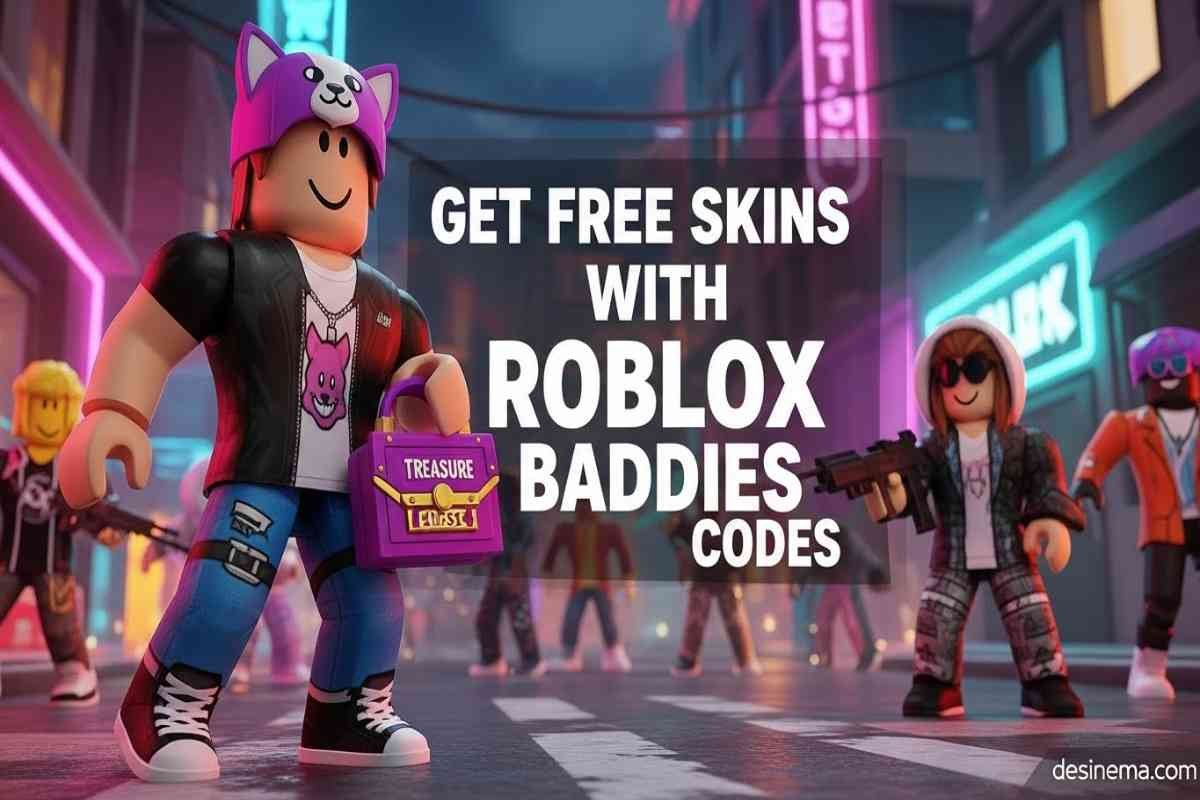
Looking to get exclusive free skins in Roblox Baddies without spending your hard-earned Robux? You’re in luck! Update 24 introduced an exciting code system that lets players unlock premium cosmetics completely free. With just a few simple steps, you can claim rare skins like the Kitty Trash Bag and Treasure Chest Purse to make your character stand out in battles. This guide will show you exactly how to redeem codes, fix common errors, and stay updated with new releases.
Key Takeaways
- Active Codes: KITTY (Kitty Trash Bag Skin) and Baddies (Treasure Chest Purse Skin) are currently working
- Update 24: The code system was recently added, making these the first free skins available
- Quick Redemption: Find the Codes button next to Rewards in the top right corner
- Safety First: Turn off PvP before redeeming codes to avoid getting attacked
- Case-Sensitive: Always copy and paste codes instead of typing to avoid errors
- Future Rewards: Developers may add Dinero, weapons, and more items in future code releases
What Are Roblox Baddies Codes?
Roblox Baddies codes are special text combinations that unlock free in-game items without spending Robux. These codes are released by the game developers to give players exclusive rewards, usually to celebrate updates or milestones. In Baddies, codes currently provide rare skins that would normally cost a lot of Robux to purchase.
The code system was introduced in Update 24, making it a relatively new feature in the game. Unlike other Roblox games that might give cash or weapons, Baddies focuses on cosmetic rewards that let you customize your character’s appearance while you battle other players in this chaotic PvP experience.
Current Working Baddies Codes
As of January 2026, there are two active codes you can redeem right now:
KITTY – Redeem this code to get the Kitty Trash Bag Skin
Baddies – Redeem this code to get the Treasure Chest Purse Skin
These rare skins are especially valuable because they’re only available through code redemption. Once these codes expire, you won’t be able to get these specific skins without trading with other players or spending Robux on future releases.
How to Redeem Baddies Codes Step-by-Step
Redeeming codes in Baddies is simple when you follow these steps carefully:
- Launch Baddies in Roblox and wait for your character to spawn
- Move to a safe spot away from other players to avoid getting attacked
- Turn off PvP by clicking the PvP button in the top right corner (wait for the green bar to fill first)
- Click the Codes button next to Rewards at the top right of your screen
- Copy and paste the code exactly as shown (codes are case-sensitive)
- Hit Claim Reward to instantly receive your free skin
Pro Tip: Always copy and paste codes instead of typing them manually. This prevents common errors like extra spaces or incorrect capitalization that can cause “INVALID CODE” messages.
Finding Your Redeemed Skins
After successfully redeeming your codes, you’ll want to equip your new free skins right away:
- Click the Skins button on the left side of your screen (near the Crews button)
- Navigate to the Item Skins interface that appears
- Select the appropriate category – Purse for the Treasure Chest Purse or Trash Bag for the Kitty Trash Bag
- Choose Rare from the filter options to find your new items
- Click on the skin to automatically equip it to your character
The skins are applied instantly, so you can show off your new look in your next battle!
Common Code Issues & How to Fix Them
Sometimes codes don’t work as expected. Here are the most common problems and their solutions:
“INVALID CODE” Error
This error appears when you enter a code that doesn’t exist or has typos. Solution: Always copy and paste codes directly from a reliable source to avoid spelling mistakes or extra spaces.
“CODE ALREADY REDEEMED” Message
You’ll see this when trying to use a code more than once on the same account. Solution: Each code can only be redeemed once per account, so make sure you haven’t used it before.
Can’t Find the Codes Button
Some players struggle to locate where to enter codes. Solution: Look in the top right corner of your screen, right next to the Rewards button. The Codes button should be clearly visible there.
Getting Attacked While Redeeming
Baddies is a PvP game, so other players might attack you while you’re trying to redeem codes. Solution: Always turn off PvP first by clicking the PvP toggle in the top right corner. Wait for the green bar to fill before you can safely disable it.
Where to Find New Baddies Codes
Staying updated with new codes is crucial since they can expire without warning. Here are the best places to check:
Official Discord Server: Join the Baddies Entertainment Discord server with over 149,000 members to get codes directly from developers. Check the ‘updates’ channel regularly.
Code Hub Websites: Bookmark reliable Roblox codes websites that update regularly. These sites often post new codes faster than official channels.
Game Updates: Developers typically release new codes during major updates, special events, or when the game reaches player milestones. Keep an eye out for Update 25 and beyond!
Why Baddies Codes Are So Valuable
Free skins in Baddies are particularly valuable because:
- Cost Savings: Rare skins normally cost significant amounts of Robux
- Exclusivity: Code-only items can’t be obtained through regular gameplay
- Trading Power: Rare items can be traded with other players for valuable items
- Status Symbol: Having code-exclusive skins shows you’re an active player who stays updated
The Treasure Chest Purse and Kitty Trash Bag skins are especially sought after because they were among the first code-exclusive items released in Update 24.
Future Code Expectations
While current codes focus on cosmetic skins, developers may expand rewards in future updates. Based on similar Roblox games, you might expect:
- Free Dinero (in-game currency)
- Exclusive weapons or accessories
- Limited-time event items
- Special animations or effects
Make sure to redeem active codes quickly since they don’t have set expiration dates and could become invalid at any time.
Frequently Asked Questions
Why do I get “INVALID CODE” error when entering Baddies codes?
The “INVALID CODE” error typically occurs when you make a typo, add extra spaces, or use incorrect capitalization. Baddies codes are case-sensitive, meaning “KITTY” is different from “kitty”. Always copy and paste codes directly from a reliable source to avoid this error. If you’re still having trouble, double-check that you haven’t already redeemed the code and that it hasn’t expired.
What does “CODE ALREADY REDEEMED” mean in Baddies?
This message appears when you try to use a code that you’ve already claimed on your account. Each Baddies code can only be redeemed once per Roblox account, so if you’ve successfully used the KITTY or Baddies code before, you won’t be able to use it again. This prevents players from getting unlimited free items and keeps the rewards special.
How do I turn off PvP to redeem codes safely in Baddies?
To turn off PvP in Baddies, first spawn into the game and move away from the spawn point to avoid immediate combat. Look for the PvP button in the top right corner of your screen – you’ll see a green bar that needs to fill up completely before you can click it. Once the bar is full, click the PvP toggle to disable it. This prevents other players from attacking you while you’re trying to redeem your codes.
Where do I find my redeemed skins in Baddies?
After redeeming codes, click the Skins button on the left side of your screen (it’s near the Crews button). This opens the Item Skins interface where you’ll see different categories. For the Treasure Chest Purse, select the Purse category and filter by “Rare” to find your new skin. For the Kitty Trash Bag, look in the Trash Bag category. Simply click on any skin to equip it automatically.
How do I equip the Treasure Chest Purse skin in Baddies?
To equip your Treasure Chest Purse skin, first click the Skins button on the left side of your screen. In the Item Skins menu, navigate to the Purse category and select the “Rare” filter. You should see your Treasure Chest Purse among the available options. Just click on it once to automatically equip it to your character. The skin applies instantly, so you can show it off in your next battle!
Why should I copy and paste codes instead of typing them?
Copying and pasting codes is much safer than typing them manually because Baddies codes are case-sensitive and don’t allow extra spaces. When you type codes yourself, you might accidentally make mistakes like using lowercase letters instead of uppercase, adding invisible spaces, or misspelling words. These small errors cause “INVALID CODE” messages. Copying and pasting ensures the code is entered exactly as intended.
What other rewards might future Baddies codes give?
While current Baddies codes focus on cosmetic skins, future codes might offer different types of rewards based on similar Roblox games. Developers could include free Dinero (in-game currency), exclusive weapons, special accessories, limited-time event items, or unique animations. The code system is still new since Update 24, so players can expect more variety in future updates as the developers expand this feature.


