





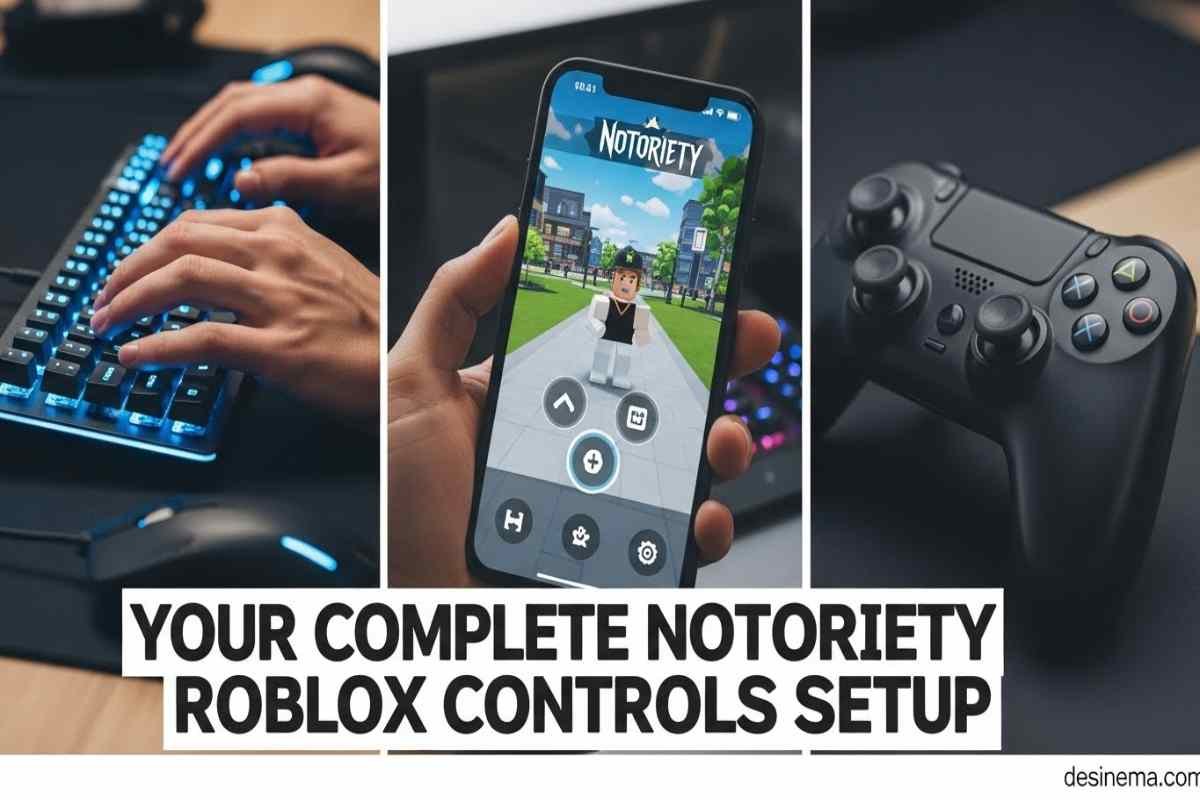
Notoriety on Roblox throws you into exciting heists where you and your team rob banks, stores, and other locations. But many players struggle with the controls, especially when switching between devices. Whether you’re playing on PC, mobile, or controller, mastering the controls is the key to pulling off successful heists. This complete guide will teach you every control scheme, platform-specific tips, and advanced techniques to help you become a heist master.
Key Takeaways
- PC Controls: WASD for movement, F for interactions, G for equipment, and mouse for aiming/shooting
- Mobile Setup: Virtual joystick on left, action buttons on right, with adjustable sensitivity settings
- Controller Support: Currently experimental with basic functions but missing some advanced features
- Stealth Controls: Use crouch (Left Ctrl) and lean (Q/E) to stay hidden during stealth heists
- Combat Tips: Master weapon switching (C) and aim down sights (right-click) for better accuracy
- Common Issues: Mobile responsiveness problems and controller connection bugs have simple fixes
What Are Notoriety Roblox Controls?
Notoriety Roblox controls are the buttons and commands you use to move, fight, and interact with the game world. There are three main ways to play: with a keyboard and mouse on PC, with touch controls on mobile devices, or with a controller. Each control scheme has its own strengths and weaknesses. PC offers the most precision, mobile gives you portability, and controller provides a console-like experience. Understanding all three control types will help you play your best no matter what device you’re using.
Complete PC Controls for Notoriety Roblox
PC controls give you the most precision and are recommended for serious players. Here’s every control you need to know:
Movement Controls
- W – Move forward
- S – Move backward
- A – Move left (strafe)
- D – Move right (strafe)
- Left Shift – Sprint (run faster)
- Left Ctrl – Crouch (move quietly and hide)
- Space – Jump
- Q – Lean left (peek around corners)
- E – Lean right (peek around corners)
Combat Controls
- Left Click – Shoot/attack
- Right Click – Aim down sights (better accuracy)
- R – Reload weapon
- 1 – Select primary weapon
- 2 – Select secondary weapon
- 3 – Select melee weapon
- 4 – Select grenade/gadget
- C – Switch weapons quickly
- B – Change fire mode (single/auto)
- T – Toggle aim (on/off)
- Y – Switch aim type
Interaction Controls
- F – Interact/Shout/Mark (most important key!)
- G – Put on mask/Use equipment/Throw bag
- V – Alternate interact (for special actions)
- Tab – Open heist menu/view controls
- H – Show off weapon
Pro Tip: The F key is your most versatile tool. Use it to open doors, pick up loot, start drills, and shout at civilians or guards. Shouting at civilians makes them get down quickly, preventing them from calling the police.
Mobile Controls Guide for Notoriety Roblox
Playing Notoriety on mobile requires getting used to touch controls. Here’s how to master them:
Movement & Camera
- Virtual Joystick (left side) – Move your character
- Swipe right side – Look around and aim
- Sprint Button – Run faster (usually has arrow icon)
- Crouch Button – Move quietly and hide
- Jump Button – Jump over obstacles
Combat Controls
- Fire Button – Shoot your weapon
- Aim Button – Aim down sights for better accuracy
- Reload Button – Reload your weapon
- Weapon Icons – Switch between primary, secondary, and melee
- Throwable Button – Use grenades or gadgets
Interaction Controls
- Mask Button – Put on your mask to start the heist
- Interact Button (hand icon) – Pick up loot, use objects, shout
- Equipment Icon – Deploy equipment like ammo bags
- Objectives Button – View current heist goals
- Loot Icon – See what you’re carrying
Mobile Tip: Go to settings and adjust your sensitivity. Lower sensitivity helps with accurate aiming, while higher sensitivity lets you turn faster. Find a balance that works for you.
Controller Support in Notoriety Roblox
Controller support in Notoriety is still experimental, but it’s getting better with updates. Here’s what you need to know:
Current Controller Functions
- Left Analog – Move character
- Right Analog – Look around/aim
- Left Trigger – Aim down sights
- Right Trigger – Shoot/attack
- A Button – Jump
- B Button – Crouch
- X Button – Reload/Interact
- Y Button – Switch weapons
- Left Bumper – Use equipment
- Right Bumper – Shout/Interact
- Left Stick Click – Sprint
- D-Pad Down – Open menu
Limitations
- Some advanced features like leaning (Q/E) don’t have controller buttons
- Bag dropping and some equipment placement can be tricky
- Not all controller types are fully supported
- Button mapping cannot be customized yet
Controller Tip: Enable controller support in the Roblox settings before launching Notoriety. If your controller isn’t working, check that it’s properly connected and try restarting the game.
Advanced Control Techniques for Heists
Knowing the buttons is just the start. Here’s how to use them like a pro:
Stealth Movement Controls
- Use crouch (Left Ctrl) to move quietly and avoid detection
- Lean (Q/E) around corners to see what’s ahead without exposing yourself
- Move slowly when near guards or cameras
- Use the interact button (F) to answer pagers after taking out guards
Combat Control Strategies
- Aim down sights (right-click) for better accuracy during firefights
- Switch weapons (C) quickly instead of reloading in dangerous situations
- Use cover by crouching behind objects while shooting
- Shout (F) at civilians to keep them under control
Equipment Deployment
- Hold G to preview where you’ll place equipment
- Deploy ammo bags and medic bags in safe locations
- Use sentry guns to guard areas while your team completes objectives
- Throw grenades to clear groups of enemies
Team Coordination
- Use shout (F) to communicate with teammates without voice chat
- Mark important targets or objectives for your team
- Coordinate equipment placement for maximum effectiveness
- Cover teammates while they interact with objectives
Common Control Issues and Solutions
Mobile Control Problems
Problem: Touch controls feel unresponsive Solution: Reduce graphics quality in settings and adjust sensitivity. Close other apps running in the background.
Problem: Accidentally pressing wrong buttons Solution: Practice in safe areas first. Consider using a stylus for more precise control.
Controller Issues
Problem: Controller not connecting Solution: Check Bluetooth/wireless connection. Try unplugging and reconnecting. Restart Roblox if needed.
Problem: Missing controller functions Solution: Controller support is still experimental. Some features may not be available yet. Check for game updates.
PC Control Problems
Problem: Key bindings not saving Solution: Reset controls to default, then rebind them one at a time. Make sure Roblox has permission to save settings.
Problem: Mouse sensitivity too high/low Solution: Adjust sensitivity in both Roblox settings and Notoriety settings for best results.
Frequently Asked Questions
How do I customize controls in Notoriety Roblox?
You can customize your keyboard controls by going to settings, pressing the F key at the top, then clicking clear and typing in your preferred key. However, mobile and controller controls cannot be customized yet. PC players have the most flexibility for control customization, while mobile and controller players must use the default layouts. Remember to test your new controls in a safe area before jumping into a real heist.
Can I play Notoriety Roblox with a controller?
Yes, controller support exists in Notoriety Roblox, but it’s still experimental. Basic movement and combat functions work, but some advanced features like leaning and certain equipment interactions may be missing or awkward to use. For the best experience, most players recommend using keyboard and mouse on PC or touch controls on mobile. Controller support is improving with each update, so check the latest patch notes for new features.
Why are my mobile controls not responding properly?
Mobile control issues usually stem from device performance or settings. Try lowering your graphics quality in the game settings, closing other apps, and adjusting your touch sensitivity. Make sure your screen is clean and your hands are dry for better touch response. If problems persist, try restarting the game or your device. Some older devices may struggle with the game’s performance, affecting control responsiveness.
What’s the best way to aim accurately in Notoriety?
For PC players, using the mouse to aim and right-clicking to aim down sights provides the best accuracy. Mobile players should adjust their sensitivity settings and use the aim button for precision shots. Controller players can use the aim trigger for better accuracy. Practice in the shooting range or easier heists to improve your aim. Remember to account for bullet drop on longer shots and lead your targets when they’re moving.
How do I shout at civilians in Notoriety Roblox?
To shout at civilians, simply look at them and press the interact/shout key. On PC, this is the F key. On mobile, it’s the interact button (usually a hand icon). On controller, it’s typically the right bumper. Shouting makes civilians get down on the ground, preventing them from calling the police or triggering alarms. This is essential for stealth heists and keeping situations under control during loud heists.
What’s the difference between toggle and hold controls?
Toggle controls let you press a button once to activate an action (like crouching) and press it again to deactivate it. Hold controls require you to keep the button pressed to maintain the action. You can change between toggle and hold for sprint and crouch in the settings menu. Toggle is better for long periods of crouching, while hold gives you more control over when to stop. Experiment with both to see which feels more comfortable for your playstyle.
How can I improve my reaction time with Notoriety controls?
Improving reaction time takes practice, but here are some tips: First, customize your controls to feel natural and comfortable. Second, practice regularly in different heist scenarios. Third, learn the maps so you know what to expect. Fourth, keep your crosshair at head level when moving. Finally, stay calm under pressure – panicking leads to missed shots and wrong button presses. The more you play, the faster your reactions will become.
Conclusion
Mastering Notoriety Roblox controls is the first step to becoming a heist expert. Whether you prefer the precision of PC controls, the convenience of mobile touch, or the comfort of a controller, understanding each system’s strengths and weaknesses will help you succeed. Remember to practice regularly, adjust your settings for comfort, and don’t be afraid to experiment with different control schemes. The more comfortable you are with the controls, the more you can focus on strategy, teamwork, and pulling off the perfect heist. Now grab your gear, round up your crew, and show the world what you’re capable of in Notoriety Roblox!


