


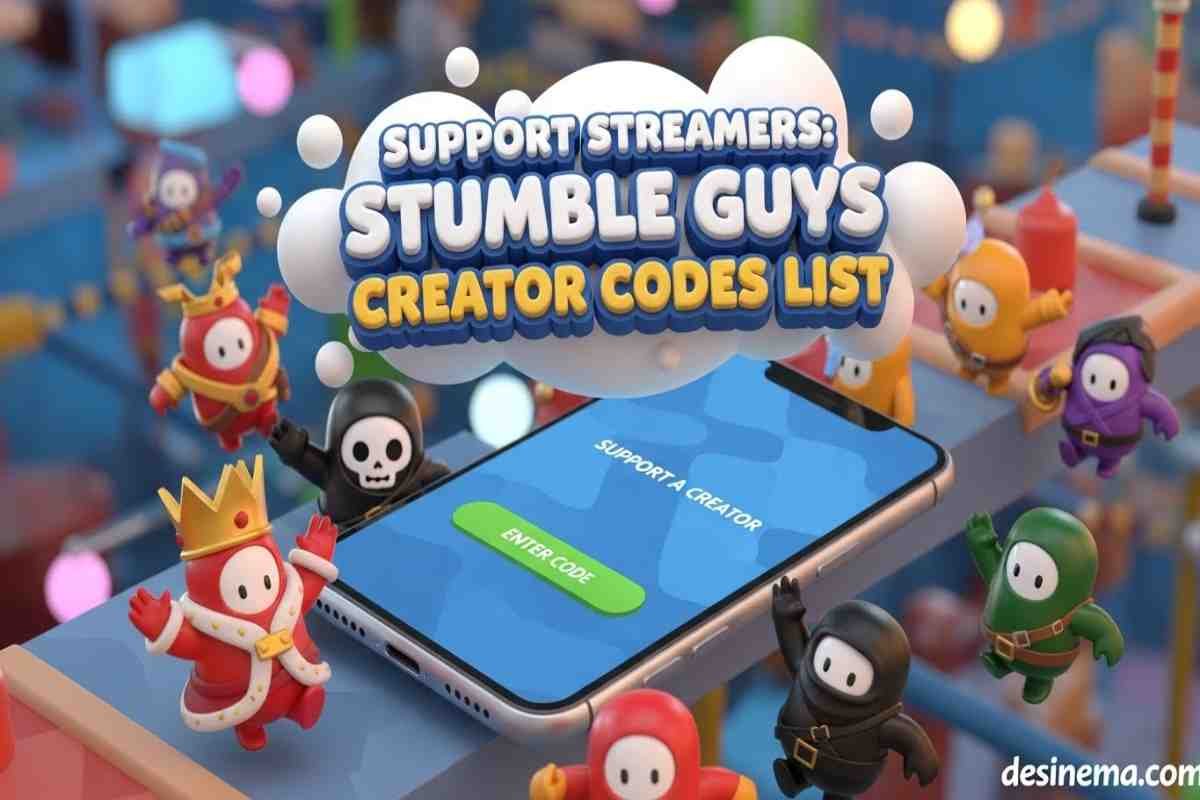
Did you know you can support your favorite Stumble Guys content creators at no extra cost to you? Many players don’t know about creator codes or how to use them, missing out on a simple way to help the creators who make the game more fun. Stumble Guys Creator Codes are special codes that let you support content creators when you make in-game purchases. In this guide, you’ll learn what creator codes are, how to use them, where to find active codes, and answers to common questions.
Quick Overview: Stumble Guys Creator Codes
- Creator codes are special codes that support content creators when you make purchases
- Using a code costs nothing extra but gives creators a percentage of your purchase
- Available on all platforms: Mobile, Steam, Console, and Web
- Codes stay active for 7-14 days once entered
- Over 100 active creators to support from around the world
What Are Stumble Guys Creator Codes?
Stumble Guys Creator Codes are unique codes given to official content creators who make videos about the game. When you enter a Creator Code in the in-game shop, a small percentage of your purchase goes directly to that creator. The best part? It doesn’t cost you anything extra!
These codes are different from redeem codes that give you free items in the game. Creator codes only help support the creators you enjoy watching. Many websites mix these up, but it’s important to know the difference.
Creator codes help build a stronger community. When you support creators, they can keep making great content about Stumble Guys. This helps everyone who plays the game have more fun and learn new tips and tricks.
How to Use Creator Codes in Stumble Guys?
Using a creator code is simple and only takes a few steps. Follow this easy guide to start supporting your favorite creators:
- Open Stumble Guys on your device
- Tap the Shop icon on the left side of the main screen
- Go to the Extras tab (all the way to the right of the shop)
- Look for the “Support A Creator” section
- Click the “Enter Code” button
- Type the creator code you want to use
- Click “Enter” to confirm
Once you enter a code, it stays active for 7 to 14 days. During this time, any purchases you make will support that creator. You can change your creator code anytime by entering a new one.
Remember, you can only use one creator code at a time. If you want to support multiple creators, you’ll need to switch between them by entering new codes.
What Platforms Support Creator Codes?
Creator codes work on all platforms where you can play Stumble Guys. This includes:
- Mobile devices (Android and iOS)
- Steam (PC)
- Console (PlayStation, Xbox, Nintendo Switch)
- Web browser
The great thing about cross-platform support is that once you enter a creator code on any platform, it works across all of them. For example, if you enter a code on your phone, any purchases you make on Steam or the web store will also support that creator.
Some players might not see the creator code option right away. The feature is being rolled out gradually by region. Currently, it’s available in Europe and North America as part of a pilot program. Make sure you’re running the latest version of the game. If you still don’t see it, the feature might not be available in your region yet.
Complete List of Active Stumble Guys Creator Codes
Here’s a list of active creator codes you can use to support your favorite Stumble Guys content creators. These codes are organized alphabetically for easy reference:
A
- 100FIMTV
- Abra
- ALIF
- ANAND
- Androx
- Awvexel
- Azez
B
- BabyYoda
- BANG
- BladeYT
- BRIKCH
C
- cacaotv
- Cayfok
- ChaseTC
- CHV
- Coral
- Cortus11
D
- Davi
- Denzzill
- DGP
- DKG
E
- Ef3
- ELFA
- Ercasty
- EXIDA
F
- Frost
G
- GABIZACO
- GonGon
- Graphyx
- GUGA
- Gusta
- GX7
H
- Henry
- HIOGAR
- HOMIM
- Hunter
J
- JonBTC
- JoseMCJA
K
- Kaisar
- Kevko
- KTX
- KWS
L
- LEALO
- Lex
- Lucao
- Lukezinho
M
- Maluco
- MangYellow
- MarkoKC
- MENARAJAGA
- Monrrok
- MRSTEP
- MTMSAMU
N
- NINJA
- Nocivanu
- Nuno
O
- OASG
P
- Playguima
- PRSTAN
- PTG
R
- RAFLICH
- Rayan
- Revo
- Reyju
- RezinTV
- Ruela
S
- SAHRUL
- SAI
- Sar67
- Sed21
- SMOREKYLE
- Sparx
T
- TCH
- Theus
- TiaAline
- Toinelag
V
- Vaynard
- Vimgzera
W
- WMDR
To use any of these codes, follow the steps in the “How to Use Creator Codes” section above. Remember to enter the code exactly as shown, including capital letters.
How to Become a Stumble Guys Creator with Your Own Code?
If you make Stumble Guys content, you might want to get your own creator code. To join the Stumble Guys Content Creator Program and get a code, you need to meet these requirements:
- Be 18 years or older
- Have at least 3,000 followers on a social platform
- Create consistent, high-quality gaming or Stumble Guys content
- Show positive and supportive behavior toward the community
- Follow Scopely’s Terms of Service
- Agree to the Content Creator Program Terms
Being part of the creator program comes with benefits beyond just having a code. Creators get access to special tools, rewards, and opportunities to grow their channel. You also get a colored in-game name and a special tag showing you’re part of the program.
To apply, keep an eye on the official Stumble Guys Discord for announcements about when applications are open. The program is competitive, so make sure your content stands out!
Common Mistakes When Using Creator Codes?
Many players make mistakes when trying to use creator codes. Here are some common problems and how to avoid them:
Confusing creator codes with redeem codes: This is the biggest mistake. Creator codes support creators when you make purchases. Redeem codes give you free items in the game. They work differently and are used in different ways.
Case sensitivity issues: Creator codes must be entered exactly as shown. “Reyju” is different from “reyju”. Always copy and paste the code to avoid mistakes.
Not updating the game: If you don’t see the creator code option, make sure your game is updated to the latest version. Old versions might not have this feature yet.
Regional restrictions: The creator code feature is being rolled out gradually. If it’s not available in your region yet, you’ll need to wait until it launches there.
Trying to use multiple codes at once: You can only support one creator at a time. If you want to switch, you need to enter a new code, which will replace the old one.
Why Supporting Creators Matters?
Supporting creators with creator codes does more than you might think. When you use a creator code, you’re helping them continue making content about Stumble Guys. This could be funny videos, helpful tutorials, or exciting gameplay streams.
Creators spend a lot of time and effort making their content. Many do it as their full-time job. Your support helps them earn money from their work, which means they can create even better content for you to enjoy.
The Stumble Guys community grows stronger when creators thrive. More content means more players learn about the game, more tips are shared, and more fun is had by everyone. It’s a cycle that benefits the entire community.
Even though using a creator code doesn’t give you any special rewards in the game, you’re helping build something bigger. You’re supporting the ecosystem that makes Stumble Guys more than just a game—it becomes a community.
Frequently Asked Questions
What’s the difference between creator codes and redeem codes in Stumble Guys?
Creator codes and redeem codes are completely different things. Creator codes support content creators when you make purchases in the game. They don’t give you any rewards or items. Redeem codes, on the other hand, give you free items like skins, gems, or other rewards when you enter them. Creator codes are used in the “Support A Creator” section, while redeem codes are used in a different part of the shop. Many websites mix these up, but it’s important to know that creator codes only help creators, not give you free stuff.
How long do creator codes last after I enter them?
Once you enter a creator code, it stays active for 7 to 14 days. During this time, any purchases you make in the game will support that creator. After the code expires, you’ll need to enter it again if you want to continue supporting that creator. The exact time can vary depending on the specific creator, but most codes last about two weeks. You can check which creator code you’re currently supporting in the “Support A Creator” section of the shop.
Can I use multiple creator codes at the same time?
No, you can only use one creator code at a time. The system is designed this way to ensure that your support goes to one creator at a time. If you want to support multiple creators, you can switch between them by entering new codes. When you enter a new creator code, it replaces the old one. This means any future purchases will support the new creator instead of the previous one. Feel free to switch creators as often as you like to support all your favorites!
Why don’t I see the creator code option in my game?
If you don’t see the creator code option in your game, there could be a few reasons. First, make sure you’re running the latest version of the game. Old versions might not have this feature yet. Second, the creator code feature is being rolled out gradually by region. It’s currently available in Europe and North America as part of a pilot program. If you’re in a different region, you might need to wait until it launches there. Finally, some platforms might get the feature later than others, so check back regularly if you don’t see it yet.
Do creator codes give me any rewards or benefits?
No, creator codes do not give you any rewards or benefits in the game. They are specifically designed to support content creators, not to give players free items or advantages. When you use a creator code, a small percentage of your purchase goes to the creator, but you don’t get anything extra in return. If you’re looking for free items, you need to look for redeem codes instead, which are completely different from creator codes. Remember, using a creator code is about supporting the creators you enjoy, not getting personal rewards.
How much do creators earn from my purchases?
Creators earn a percentage of the money you spend in the game when you use their code. The exact percentage isn’t publicly disclosed, but it’s a small amount that adds up over time. The important thing is that it doesn’t cost you anything extra. The money comes from the game’s revenue, not from your pocket. This means you can support your favorite creators without spending any additional money. Every little bit helps creators continue making the content you enjoy, so even small purchases can make a difference when you use a creator code.
Where can I find new creator codes?
The best place to find new creator codes is directly from the creators themselves. Follow your favorite Stumble Guys content creators on YouTube, TikTok, Twitch, and other social media platforms. They will share their codes when they get them. You can also check the official Stumble Guys website and social media channels for announcements about new creators joining the program. Additionally, community forums and fan sites often maintain lists of active creator codes that they update regularly. Just make sure to verify that any codes you find are still active before trying to use them.
Supporting your favorite Stumble Guys creators is easy with creator codes. By following the simple steps in this guide, you can help the content creators who make the game more fun for everyone. Enter a creator code today and make a difference in the Stumble Guys community!
