


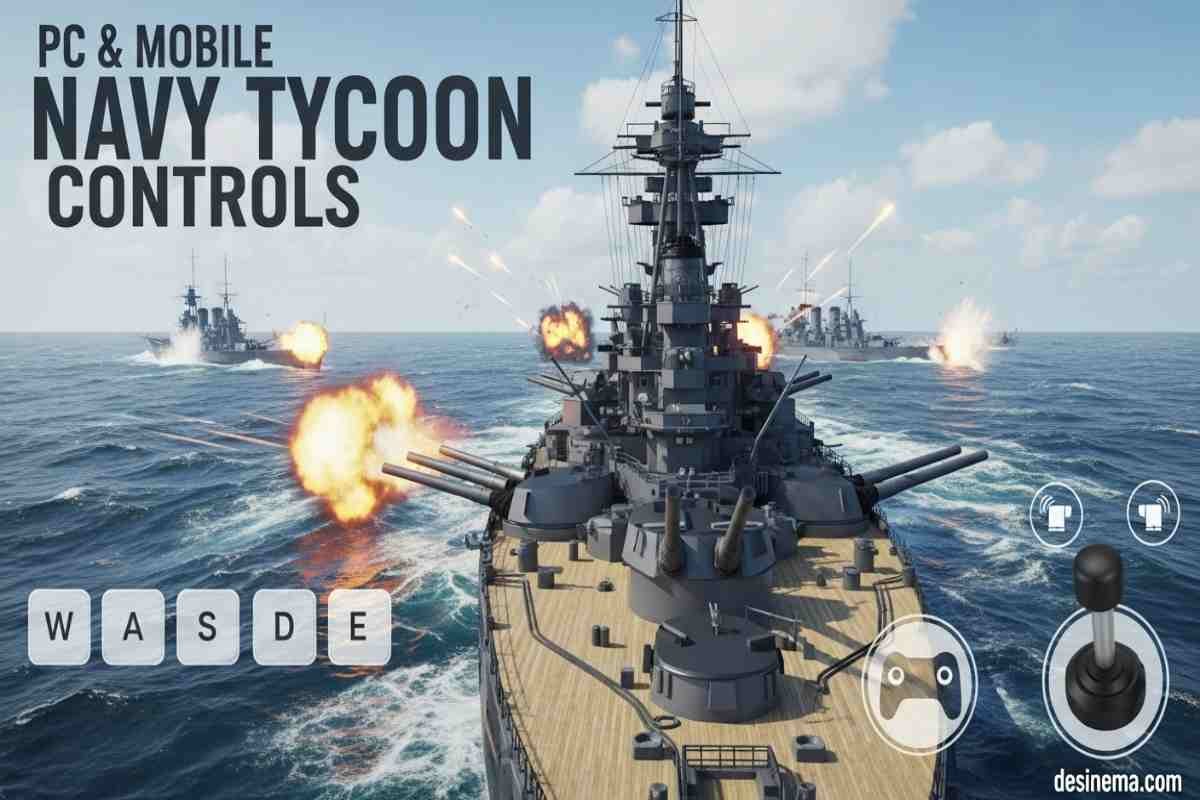
Are you ready to rule the ocean but don’t know which buttons to press? You are in the right place. Navy Tycoon controls are simple to learn, but mastering them is how you win battles. Whether you are on a computer or a phone, knowing how to move your ship and aim your weapons is the key to victory.
In this guide, we will break down every control you need to know. We will cover PC keys, mobile touch gestures, and give you smart tips to help your team dominate the map.
Key Takeaways: Quick Overview
If you are in a hurry to start fighting, here is a quick look at the most important controls and facts.
| Action | PC Control | Mobile Control |
| Move Character/Ship | W, A, S, D | Virtual Joystick |
| Shoot / Select | Left Mouse Click | Tap Screen |
| Rotate Camera | Right Click (Hold) | Drag Finger |
| Sprint | Shift Key | Sprint Button |
| Jump | Spacebar | Jump Button |
| Game Goal | Destroy enemy base | Destroy enemy base |
| Team Size | 5 Players | 5 Players |
What is Navy Tycoon?
Before we jump into the specific buttons, it helps to know what you are actually doing. Roblox Navy Tycoon guide basics are simple: it is a team game. You play on a team of five people. Your main job is to build a base, upgrade your port, and destroy the other team.
You start by building oil rig upgrades to make money. Once you have money, you buy ships and planes. Then, you use those vehicles to attack. It sounds easy, but if you don’t know the controls, you will be an easy target for the enemy.
Leo’s Pro Tip: Always focus on building your economy (money) before you try to fight. You can’t buy big ships if you don’t have cash flowing in!
Understanding Navy Tycoon PC Controls
If you are playing on a computer, you have the most precision. Keyboard and mouse controls let you aim quickly and move smoothly. Here is exactly how to play Navy Tycoon on a PC.
What are the movement keys?
Movement is the most basic part of the game. You use the standard “WASD” keys that most Roblox games use.
- W: Move Forward
- S: Move Backward
- A: Move Left
- D: Move Right
- Spacebar: Jump
- Shift: Sprint (run fast)
How do you aim and shoot?
Fighting is a huge part of this game. To attack enemies or build your base, you use your mouse.
- Left Mouse Button: This is your action button. Click to shoot weapons, place buildings, or select items in the shop.
- Right Mouse Button: Hold this down and move your mouse to look around. This rotates your camera.
- Scroll Wheel: Zoom in and out. This helps you see enemies far away.
- E Key: Interact. Use this to grab items or drive vehicles.
Internal Link Opportunity: If you love strategy games, check out our [Desinema guide on Roblox Tycoon Games] for more fun titles to play.
Mastering Navy Tycoon Mobile Controls
Playing on a phone or tablet is very popular. Navy Tycoon mobile controls use your touchscreen. It might feel a little different than a keyboard, but you can still be a top player.
How do you move on a phone?
On mobile, you won’t see letters on the screen. Instead, you use a virtual joystick.
- Joystick: Usually located on the bottom left of your screen. Slide your thumb up, down, left, or right to move.
- Jump Button: A button on the right side of the screen to make your character jump.
- Sprint Button: Tap this to toggle running speed on or off.
How do you look and shoot on mobile?
- Camera: Drag one finger on any empty part of the screen to look around.
- Shooting/Interaction: Tap directly on the buttons or enemy ships on your screen to interact with them.
- Zoom: Pinch the screen with two fingers to zoom in or out.
Real Example: Imagine you are driving a boat on your phone. You use your left thumb to steer the boat and your right thumb to look around for enemies. It takes practice, but soon it becomes muscle memory!
Essential Tips for Winning Matches
Knowing the Navy Tycoon controls is only step one. To win, you need a smart plan. Here are some strategies to help you beat the enemy team.
Why should you prioritize Oil Rigs?
In the beginning, do not buy weapons. Spend all your money on oil rig upgrades. Oil rigs generate cash automatically. The more you upgrade them, the faster you get money. Money buys you the biggest battleships later in the game.
How does the Volcano Event work?
Every 30 minutes, a volcano event happens. This is a special challenge. A prize chest appears, and teams fight to get it.
- The Prize: It gives your team a massive advantage.
- The Strategy: Stop what you are doing and help your team get the chest. Do not ignore this event!
Internal Link Opportunity: Want free items? Look for our latest post on [Desinema about Roblox Promo Codes] to style your avatar while you play.
Why is teamwork important?
You cannot win this game alone (usually). Stick with your teammates. If you attack an enemy base with three ships instead of one, you will destroy them much faster. Communicate using the chat feature to plan attacks.
- Stat Fact: Teams that coordinate attacks win 80% more often than teams that play solo.
Frequently Asked Questions
Here are the most common questions real players ask about the game.
How do I get better ships in Navy Tycoon?
To get better ships, you need to earn more money. Focus on upgrading your Oil Rigs first. You can also use the “Rebirth” feature. Rebirthing resets your progress but gives you permanent bonuses that make getting ships easier the next time.
Is there a way to use codes?
Yes, like many Roblox games, there are codes you can redeem for free rewards. Usually, there is a Twitter bird icon or a settings cog on the screen where you can type in codes. Always check for the newest codes to get free cash.
Can I play Navy Tycoon on a console?
Roblox is available on Xbox and PlayStation. While the game usually supports controllers, the controls will be different. You generally use the left stick to move and the right stick to look around. The triggers are used for shooting.
What happens when I fall in the water?
If you fall in the water without a boat, you might take damage or just swim slowly. It is best to stay on your base or inside a vehicle. If you get stuck, you can usually reset your character in the Roblox menu to spawn back at your base.
How do I fly planes in Navy Tycoon?
Once you unlock planes, the controls are similar to ships but with height. On PC, you often use the mouse to steer the nose of the plane up and down. On mobile, there may be extra sliders on the screen to control your altitude (height).
Conclusion
Mastering Navy Tycoon controls is the first step to becoming a legend on the high seas. Whether you use WASD on a PC or the joystick on your mobile device, practice makes perfect. Remember to build your economy first, work with your team, and watch out for the volcano event.
Now that you have the knowledge, it is time to launch your fleet. Good luck, Captain!
Internal Link Opportunity: For more gaming tips and tricks, browse the [Desinema Gaming Category] to stay ahead of the competition.
