


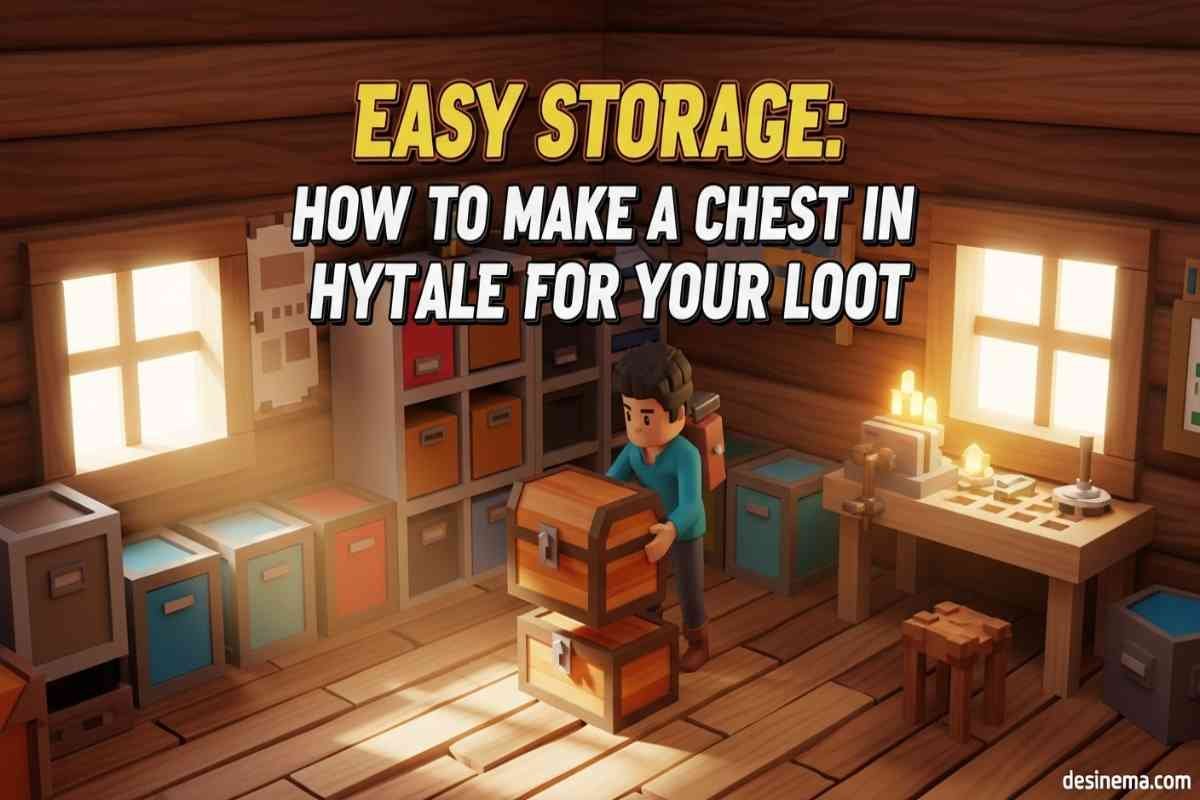
Running out of inventory space in Hytale can ruin your adventure faster than any monster. Learning how to make a chest in Hytale is essential for survival and progression. This simple storage solution costs just 10 wood logs and can be crafted anywhere using your pocket crafting menu. With proper chest placement and organization, you’ll never have to throw away valuable items again. This guide covers everything from basic chest crafting to advanced storage management techniques that will transform your base into an efficient resource hub.
Key Takeaways
- Basic chest recipe: 10 wood logs crafted in pocket crafting (Tab key)
- Storage capacity: Single chest holds 18 items, double chest holds 36 items
- No workbench needed: Craft chests directly from your inventory menu
- Workbench range: Stations can access chests within 7 blocks horizontally and 3 blocks vertically
- Material quality: Better woods increase durability but not storage capacity
- Double chest creation: Place two chests side by side to merge storage
Why Storage Matters in Hytale
Inventory management is a core survival skill in Hytale. As you explore different zones and gather resources, your pockets will quickly fill with blocks, monster drops, food, and crafting materials. Without proper storage, you’ll face difficult choices about what to keep and what to discard. This problem becomes even more serious during long mining expeditions or when farming rare materials like Thorium and Cobalt.
Creating a chest early in your adventure gives you a safe place to store excess loot. Unlike dropping items on the ground (where they can disappear or get stolen), chests keep your resources secure and organized. Many experienced players recommend crafting your first chest within the first 30 minutes of gameplay to establish a base storage system. This simple preparation saves countless headaches later and allows you to focus on exploration and building rather than constantly managing inventory space.
Gathering Materials for Chest Crafting
The beauty of Hytale’s basic chest is its simplicity. You only need one type of material to craft it, making it accessible even to brand new players. Wood logs are abundant throughout Hytale’s world, and you can gather them with your bare hands or any axe tool.
Material Requirements:
- Wood Logs: 10 pieces
- Source: Any tree type (oak, pine, birch, etc.)
- Tools needed: None (can gather with fists), but axes speed up collection
- Best locations: Forest biomes have the highest tree density
When gathering wood, focus on efficiency. Each tree typically provides 3-5 logs, so you’ll need to chop down 2-3 trees for your first chest. If you have a crude hatchet, use it to speed up the process. Remember that different wood types (regular, hardwood, redwood) all work for basic chest crafting, though premium woods do make more durable chests for base defense.
Step-by-Step Chest Crafting Guide
Crafting a chest in Hytale is straightforward once you know where to look. Unlike many other games, you don’t need a workbench or special crafting station for this essential item. The pocket crafting system lets you create chests anywhere, anytime.
How to Craft Your First Chest:
- Gather Materials: Collect 10 wood logs from any trees in your area
- Open Pocket Crafting: Press the Tab key to open your inventory and crafting menu
- Locate the Recipe: Find the Wooden Chest icon in your available recipes list
- Select and Craft: Click on the chest recipe and then click the craft button
- Collect Your Chest: The finished chest will appear in your inventory
The entire process takes less than 30 seconds once you have the materials. This accessibility makes chest crafting one of the first skills new players should master. Since you can craft from anywhere, you can even make chests deep in caves or during exploration trips when your inventory gets full.
Placing and Using Your Chest
Once crafted, your chest becomes a placeable block with special storage capabilities. Proper placement is crucial for both convenience and functionality, especially if you plan to connect it with workbenches for automated crafting.
Chest Placement and Usage:
- Equip the Chest: Move the chest from your inventory to your hotbar
- Choose Location: Select a flat, accessible spot in your base
- Place the Chest: Right-click to place the chest in the world
- Access Storage: Stand in front of the chest and press F to open it
- Transfer Items: Drag and drop items between your inventory and chest slots
Pro Tip: Place chests indoors or in well-lit areas to protect them from environmental damage. While chests are fairly durable, they can be destroyed during combat or by accidents. Keeping them in protected areas ensures your stored items remain safe. Many players create dedicated storage rooms with organized chest systems for different item types (tools, building materials, food, etc.).
Creating Double Chests for More Storage
Single chests with 18 slots are great for starting out, but serious collectors need more space. Hytale allows you to create double chests by placing two regular chests side by side. This simple trick doubles your storage capacity without requiring complex crafting.
Double Chest Creation Process:
- Craft Two Chests: Make two standard wooden chests using the 10-log recipe
- Place First Chest: Put your first chest in your desired location
- Add Second Chest: Place the second chest directly adjacent to the first one
- Automatic Merge: The chests will combine into a double chest with 36 slots
Important Notes:
- Double chests only work when placed side by side on the same level
- Stacking chests vertically doesn’t merge storage capacity
- Workbenches can access all items in a double chest within range
- You cannot merge more than two chests together
This storage upgrade is perfect for organizing large quantities of materials. Many players create double chest walls in their storage rooms, with each chest dedicated to specific item categories. This organization system makes finding materials much easier during complex building projects.
Workbench Integration and Range
One of Hytale’s best features is how workbenches can automatically pull materials from nearby chests. This system eliminates the need to constantly move items between storage and crafting stations, making large building projects much more efficient.
Workbench-Chest Interaction:
- Horizontal Range: Workbenches access chests within 7 blocks
- Vertical Range: Workbenches detect chests up to 3 blocks above or below
- Automatic Pulling: Crafting stations use materials from chests without manual transfer
- Multiple Chests: Workbenches can access several chests within range simultaneously
Optimal Base Layout:Place your workbenches in the center of your storage area, with chests arranged in a circle around them. This ensures maximum coverage and efficiency. Some players create multi-level storage rooms with workbenches on the middle floor to access chests above and below.
Remember that the crafting system was updated in Update 1 to increase the range, making base design more flexible. However, keeping your storage compact still works best for organization and accessibility.
Advanced Storage Management Tips
As you progress in Hytale, you’ll accumulate thousands of items across different categories. Advanced storage management becomes essential for maintaining an efficient base and finding materials quickly when needed.
Organization Strategies:
- Chest Categories: Dedicate specific chests to different item types (wood, stone, ores, food, tools)
- Label System: Use signs or different block colors to identify chest contents
- Central Hub: Create a main crafting area surrounded by organized storage
- Backup Storage: Keep duplicate important items in separate locations
- Regular Cleanup: Sort through chests weekly to remove junk and reorganize
Common Mistakes to Avoid:
- Mixing different item types in one chest
- Placing chests too far from workbenches
- Forgetting to secure storage areas
- Not creating backup systems for rare items
- Ignoring chest durability in dangerous areas
Experienced players often create multiple storage rooms throughout their world, each serving different purposes. This might include a main base storage, mining outpost storage, and project-specific chests for large builds.
Material Types and Chest Durability
While all chests provide the same 18-slot capacity, the materials you use affect durability and resistance to damage. This becomes important in areas with environmental hazards or potential base attacks.
Chest Material Tiers:
- Basic Wood: Standard durability, suitable for safe areas
- Hardwood: 50% more durability, good for exposed locations
- Redwood: 75% more durability, excellent for frontier bases
- Azurewood: Maximum durability, ideal for dangerous zones
Durability Matters:Better materials don’t increase storage space but protect your items better. If a chest is destroyed, all its contents spill onto the ground, where they can despawn or be stolen. In dangerous areas or during server events, investing in better chest materials can save your valuable resources.
Remember that Hytale is still in Early Access, so future updates might change how chest materials work. Currently, durability is the main difference between material types, but this could evolve as the game develops.
Frequently Asked Questions
How do I increase storage space in Hytale?
The easiest way to increase storage space is by creating double chests. Place two regular wooden chests side by side to double your capacity from 18 to 36 slots. You can also craft multiple chests and organize them by item type. For even more storage, consider creating dedicated storage rooms with dozens of organized chests. Some players also use backpacks to increase their personal inventory space while exploring.
Can workbenches use items from chests automatically?
Yes, workbenches can automatically pull materials from nearby chests within range. The current range is 7 blocks horizontally and 3 blocks vertically. This means you can place your workbenches in the center of your storage area and craft directly from chest contents without manually moving items. This feature makes large building projects much more efficient and is one of Hytale’s best quality-of-life improvements over similar games.
What happens if I break a chest full of items?
When you break a chest in Hytale, all the items stored inside will spill out onto the ground. These dropped items can be picked up, but they might despawn after a while if not collected. Always empty chests before moving them, or be very careful when breaking full chests. It’s also wise to create backup storage for your most valuable items in different locations to prevent total loss if something happens to your main storage area.
Do different wood types affect chest storage capacity?
No, different wood types do not affect storage capacity in Hytale. All chests, whether made from basic wood, hardwood, redwood, or azurewood, provide the same 18 slots of storage. The material quality only affects durability and resistance to damage. Better woods make chests that last longer in dangerous situations but don’t increase how much you can store. This means you can use any available wood for chest crafting without worrying about storage differences.
How many chests can I place in Hytale?
There’s no limit to how many chests you can place in Hytale. You’re only limited by available space and resources. Since each chest costs just 10 wood logs, you can create massive storage systems with hundreds of chests if needed. Many players build enormous storage warehouses with dozens of double chests organized by category. Just remember that workbenches can only access chests within their range, so plan your storage layout accordingly for maximum efficiency.
Can I place chests on different floor levels and still use them?
Yes, you can place chests on different floor levels and workbenches will still access them within the vertical range limit. Workbenches can detect and use items from chests up to 3 blocks above or below them. This allows for multi-level storage rooms where workbenches on the middle floor can access chests on multiple levels. However, remember that vertical stacking doesn’t create double chests – you need to place chests side by side on the same level for that storage bonus.
Is pocket crafting the only way to make chests?
For basic wooden chests, yes, pocket crafting is the primary method. Simply press Tab to open your inventory crafting menu and select the chest recipe. However, as you progress in the game, you might unlock access to specialized crafting stations that could offer different chest variants or storage solutions. The pocket crafting system is designed for essential items like chests, torches, and basic tools that you need access to anywhere in the world.
Learning how to make a chest in Hytale is just the beginning of your storage management journey. As you explore and build, you’ll develop your own organization systems and discover advanced techniques for keeping your base efficient. Remember that good storage isn’t just about having enough space – it’s about creating systems that make your gameplay smoother and more enjoyable. Start with simple chests, expand to organized storage rooms, and soon you’ll be managing resources like a pro player.
For more Hytale guides and gaming tips, check out our Sailor Piece Race Tier List for character optimization strategies, or visit The Forge progression guide for advanced crafting techniques. You can also explore the official Hytale website for the latest game updates and community features.
