


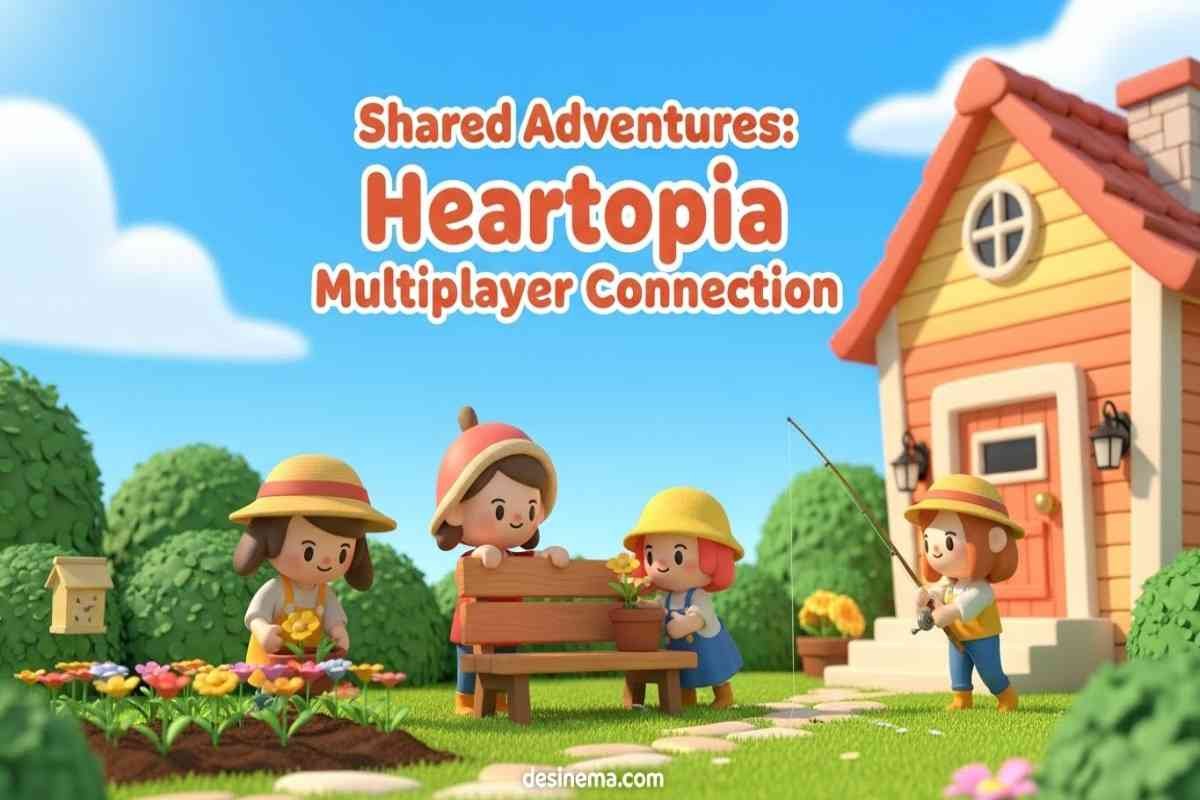
Heartopia multiplayer transforms this peaceful life simulation game into a shared adventure where you can build, explore, and create memories with friends. Whether you want to decorate houses together, enjoy hobbies as a group, or complete quests faster, understanding the multiplayer system is key to unlocking the full Heartopia experience. This guide will walk you through everything you need to know about inviting friends, using co-op features, and making the most of your multiplayer journey.
Key Takeaways
- Unlock multiplayer by completing the tutorial and building your first house
- Friend requests cost 1 Star (earned through quests) but joining friends is free
- Use the Friendship Journal to manage all social features and friend lists
- Co-building lets you design homes together in real-time with friends
- Regional servers matter – you can only play with friends on the same server
- Share hobbies like fishing, gardening, and bird watching for better rewards
- Special photo poses and emotes unlock only in multiplayer mode
How to Unlock Heartopia Multiplayer Features
Before you can invite friends in Heartopia, you need to unlock the social features. Unlike some games that allow multiplayer immediately, Heartopia wants you to learn the basics first. This approach actually makes co-op more enjoyable because everyone understands how the game works.
Start by completing Bob’s tutorial quests. Bob is the friendly NPC who teaches you essential skills like crafting furniture and using harvesting tools. These early missions might seem simple, but they’re crucial for unlocking the Friendship Journal – your gateway to Heartopia multiplayer.
Once you build your house and officially move in, the game automatically unlocks the Friendship Journal. This menu becomes your social hub where you can add friends, check who’s online, and manage invitations. The whole process usually takes about 30-60 minutes for new players, depending on how quickly you complete the tutorial tasks.
Step-by-Step Guide: How to Invite Friends in Heartopia
Adding friends to your Heartopia world is straightforward once you know where to look. The process involves finding your unique User ID (UID), searching for friends, and sending invitations through the Friendship Journal.
First, locate your UID by opening the main menu (top left corner) and navigating to settings. Your UID is a unique number that identifies your account in Heartopia multiplayer. Think of it like your phone number – it’s how other players find and add you specifically.
Next, open the Friendship Journal and use the search function to find friends using their UID. When you find the right person, click the “+” button on their profile card to send a friend request. You can even add a personal message to make your invitation more friendly.
Remember that sending friend requests costs 1 Star, which you earn by completing quests and activities in Heartopia. Don’t worry if you’re out of Stars – just finish a few quests and you’ll have plenty to send invitations. The best part? Receiving friend requests is completely free for your friends.
Creating and Managing Your Heartopia Party
Once your friends accept your requests, you can create parties to play together. A party in Heartopia multiplayer is like a temporary group that lets you join the same world and activities seamlessly. This makes coordination much easier than sending individual invitations.
To create a party, open the Friendship Journal and select the friends you want to invite. You can have multiple players in one party, which is perfect for group activities like building projects or exploring together. The party leader can manage invitations and keep everyone organized.
Parties are especially useful for co-building sessions where you need to coordinate furniture placement and design decisions. They also make it easier to participate in multiplayer events and complete group quests that reward teamwork.
Heartopia Co-Building: Design Homes Together
One of the best features in Heartopia multiplayer is the co-building system. This lets you and your friends work on the same house simultaneously, making construction faster and more creative. Co-building works like a sandbox where everyone can contribute ideas and labor.
With co-building, your friends can help place furniture, adjust room layouts, and decorate interiors in real-time. This collaborative approach makes large building projects much more manageable and fun. You can divide tasks – one person handles walls while another focuses on decorations.
The co-building feature also includes special multiplayer furniture and items that only appear when playing with friends. These exclusive items make co-built homes unique and showcase your team’s creativity. Many players use co-building to create themed neighborhoods or matching houses for their entire friend group.
Fun Co-Op Activities in Heartopia Multiplayer
Heartopia multiplayer isn’t just about building houses. The game offers numerous activities that become more enjoyable with friends. These shared experiences create lasting memories and often provide better rewards than playing alone.
Visit Friends’ Houses: Explore your friends’ homes to get decorating inspiration and see their creative designs. You can walk through their gardens, admire furniture arrangements, and even interact with certain decorations.
Group Hobbies: Activities like fishing, gardening, and bird watching feel more engaging with friends. You can compete to catch rare fish, work together to maintain gardens, or help each other spot elusive birds. Group hobbies often yield better rewards and unlock special achievements.
Photography Sessions: Multiplayer mode unlocks unique poses and emotes for taking screenshots. These special photo options let you create memorable pictures with your friends, capturing your Heartopia adventures in style.
Shared Quests: Certain quests and events support multiplayer participation, allowing you to complete objectives faster and earn bonus rewards. Team-based quests often require cooperation and communication, making them more engaging than solo missions.
Common Heartopia Multiplayer Problems and Solutions
Sometimes players encounter issues when trying to connect with friends in Heartopia multiplayer. Understanding these common problems can help you troubleshoot quickly and get back to playing together.
Regional Server Issues: Heartopia uses different servers for different regions (Europe, America, Asia, etc.). If you and your friend are on different regional servers, you won’t be able to play together. Check your server settings and try switching to the same region if possible.
Version Mismatch: All players need to be using the same game version for multiplayer to work. Check for updates on your app store or platform if you’re having connection issues.
Incorrect UID: Double-check that you’re using the correct UID when searching for friends. Use the copy function in the game to avoid typing errors. Even one wrong number can prevent successful friend requests.
Star Shortage: If you can’t send friend requests, you might be out of Stars. Complete a few quests or daily activities to earn more Stars for social features.
Pro Tips for Better Heartopia Multiplayer Experience
To make the most of your Heartopia multiplayer sessions, consider these expert tips from experienced players. These strategies will help you coordinate better, progress faster, and have more fun with friends.
Communication is Key: Use the in-game chat or voice chat features to coordinate during co-building sessions and group activities. Clear communication prevents confusion and makes teamwork more efficient.
Divide and Conquer: Split tasks among friends to save time and maximize productivity. For example, one person can gather materials while another focuses on building, or divide gardening tasks by sections.
Manage Resources Wisely: Keep track of shared resources and currency during multiplayer sessions. Coordinate who spends what to avoid running out of essential items during important projects.
Explore Together: Traveling in groups makes exploration safer and more efficient. You can cover more ground, help each other find rare items, and protect against any dangers you might encounter.
Frequently Asked Questions
How do I find my UID in Heartopia?
To find your User ID (UID) in Heartopia, open the main menu by tapping the icon in the top-left corner of your screen. Then navigate to settings, where you’ll see your UID displayed as a series of numbers. You can use the copy function to easily share it with friends who want to add you in Heartopia multiplayer.
Why can’t I invite my friends in Heartopia?
If you can’t invite friends in Heartopia, several issues might be causing the problem. First, ensure you’ve completed the tutorial and built your house to unlock the Friendship Journal. Check that you have at least 1 Star available for sending invitations. Also verify that you and your friends are on the same regional server and using the same game version.
What can you do together in Heartopia multiplayer?
Heartopia multiplayer offers numerous shared activities including co-building houses, visiting friends’ homes for inspiration, enjoying group hobbies like fishing and gardening, taking photos with special multiplayer poses, completing quests together for better rewards, and exploring the world to discover rare items and locations.
How much does it cost to invite friends in Heartopia?
Sending a friend request in Heartopia costs 1 Star, which you earn by completing quests and activities throughout the game. However, joining a friend’s world is completely free once they’re on your friends list. The Star cost only applies to the initial invitation, not to playing together.
Can I play Heartopia multiplayer with friends on different devices?
Yes, Heartopia supports cross-play between different devices as long as everyone is on the same regional server and using the same game version. Whether your friends play on mobile, PC, or other platforms, you can all enjoy Heartopia multiplayer together as long as these requirements are met.
Start Your Heartopia Multiplayer Adventure Today
Heartopia multiplayer adds a wonderful social dimension to an already charming life simulation game. By following this guide, you’ll be able to invite friends, build amazing creations together, and enjoy all the co-op features that make Heartopia special.
Remember that the key to great multiplayer experiences is communication and cooperation. Take time to learn the basics, build your friendship network gradually, and don’t be afraid to experiment with different activities and building styles.
Ready to start your Heartopia multiplayer journey? Grab your friends, unlock those social features, and discover why playing together makes everything better in this cozy life simulation world. For more gaming guides and tips, check out our articles on modern multiplayer games and best life simulation games to enhance your gaming experience even further.
Visit the official Heartopia website for the latest updates and community events, or check out the Steam page for additional resources and player guides.
