


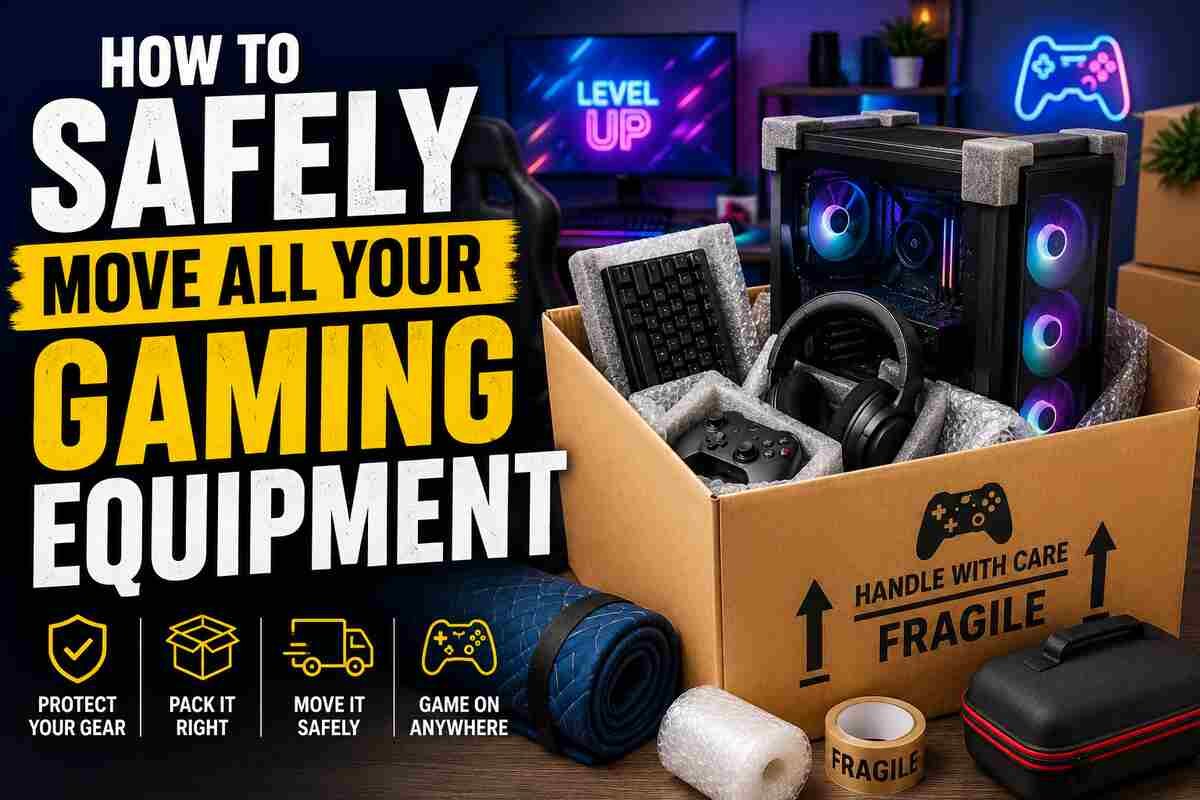
For many gamers, a gaming setup is far more than just a collection of electronics. High-performance PCs, next-generation consoles, monitors, accessories, racing rigs, VR equipment, and custom-built systems can represent years of investment and careful upgrades. When it comes time to move house, travel long distances, or relocate a gaming room, protecting that equipment should become a top priority.
Gaming gear is often expensive, fragile, and sensitive to impact, dust, moisture, and static electricity. Poor packing decisions can lead to damaged screens, broken components, tangled cables, or even complete hardware failure. The good news is that with proper preparation and organization, moving gaming equipment safely can be far less stressful.
The key is to approach the process methodically and protect every item step by step.
Start by Photographing Your Entire Setup
Before disconnecting anything, take clear photos of your complete gaming setup from multiple angles. While this may seem unnecessary at first, it becomes extremely useful later when reassembling everything in the new location.
Photographs help document:
- Cable connections
- Peripheral placements
- Multi-monitor arrangements
- Streaming equipment setups
- RGB configurations
- Audio systems
If any damage occurs during transport, photos may also help with insurance claims or shipping disputes. Gamers with complicated cable management systems will especially appreciate having visual references when reconnecting equipment later.
Start Researching Reliable Movers
For long-distance moves or valuable gaming setups, professional shipping services can offer additional convenience and protection. Large gaming desks, custom PCs, racing simulators, or multiple monitor setups may be difficult to transport safely in personal vehicles alone.
Using trusted shipping platforms can help gamers connect with transport providers experienced in moving fragile or oversized items. Services like shiply.com allow users to compare transport options for electronics, furniture, and specialist equipment. This can be particularly useful for gamers relocating across the country, attending esports events, or shipping high-value setups to a new home. Professional transport solutions may reduce the risk of overcrowding vehicles or improperly stacking expensive hardware during transit.
Choosing insured shipping options also adds an extra layer of financial protection for costly gaming equipment.
Back Up Important Data
Before actually moving any gaming equipment, backing up valuable data is essential. Even carefully packed systems can suffer accidental damage during transport, and losing saved files or personal content can be devastating.
Important items to back up include:
- Game saves
- Mods
- Streaming assets
- Recorded footage
- Photos
- Custom settings
- Work files stored on gaming PCs
Cloud storage, external hard drives, and SSD backups all provide additional protection. If possible, create multiple backups before moving valuable systems. It is also wise to ensure all passwords and account information are easily accessible before disconnecting devices.
Power Everything Down Properly
Gaming systems should never be disconnected abruptly. Fully shut down consoles and PCs before unplugging cables to avoid data corruption or hardware problems.
Once powered down:
- Disconnect all cables carefully
- Remove accessories individually
- Coil wires neatly
- Use labels for easier setup later
Small storage bags or labeled containers work well for screws, adapters, HDMI cables, and power cords. Losing small accessories during a move is surprisingly common. Removing discs from consoles and optical drives before transport is equally important.
Use Original Packaging Whenever Possible
Original manufacturer packaging is usually the safest option for moving gaming equipment. Console boxes, monitor packaging, and graphics card inserts are specifically designed to absorb impact and protect fragile components.
If original packaging is unavailable, use:
- Strong double-walled boxes
- Anti-static bubble wrap
- Foam padding
- Packing paper
- Corner protectors
Monitors should never be packed without proper screen protection. Placing soft microfiber cloths against displays before wrapping can help prevent scratches. Gaming PCs deserve extra attention. Heavy graphics cards may shift during transport, so some movers recommend removing large GPUs and packing them separately in anti-static bags.
Reassemble Carefully at Your New Location
Once everything arrives safely, avoid rushing the setup process. Carefully inspect equipment before reconnecting it.
Check for:
- Loose components
- Cracked screens
- Bent ports
- Cable damage
- Dust buildup from transport
Allow electronics to reach room temperature before powering them on, especially if they were exposed to cold weather during transit. Sudden temperature changes can create condensation inside devices. Using the setup photos taken earlier can make reconnecting systems much faster and easier.
Preparation Protects Your Gaming Investment
By taking the process step by step, gamers can avoid unnecessary damage, reduce moving stress, and ensure their setup is ready for action again as quickly as possible. Whether moving across town or across the country, preparation is ultimately the best defence against costly accidents and frustrating setbacks.
