


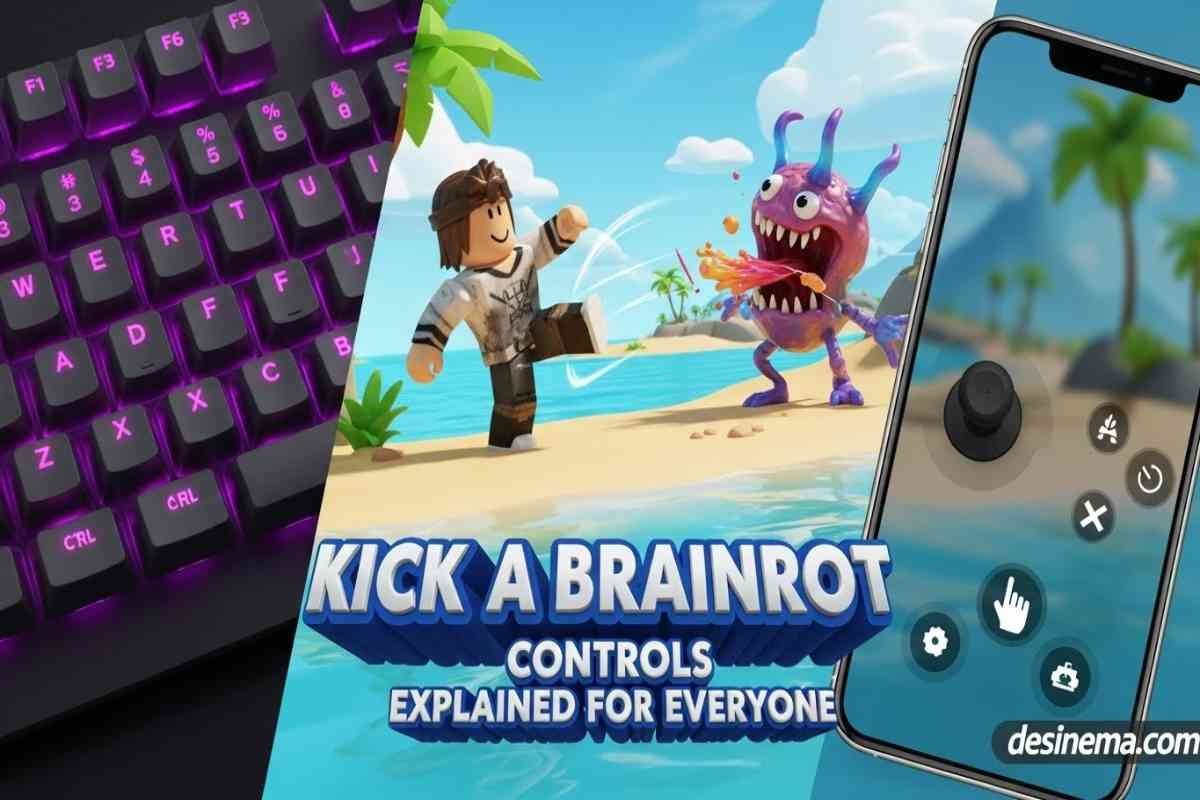
Struggling to master the Kick a Brainrot Controls? You’re not alone! Many new players find it confusing to switch between PC and mobile controls or understand which buttons do what. This complete guide will teach you everything you need to know about Kick a Brainrot Controls, so you can focus on building your brainrot collection and climbing the leaderboards. Whether you’re playing on PC or mobile, we’ve got you covered with simple, easy-to-follow instructions that will have you kicking brainrots like a pro in minutes.
Key Takeaways: Kick a Brainrot Controls at a Glance
- PC Controls: Use W,A,S,D for movement, Mouse Click to kick brainrots, E to interact with eggs, Shift to run faster
- Mobile Controls: Use on-screen joystick for movement, tap kick button, interact icon for eggs, sprint button for speed
- Main Goal: Kick brainrots to make them mutate and increase their value for more money
- Best Strategy: Focus on kicking brainrots frequently to trigger mutations and maximize earnings
- Cross-Platform: Controls work similarly on both platforms, just with different input methods
- Pro Tip: Master the run button (Shift on PC, Sprint on mobile) to move between brainrots faster
What Are Kick a Brainrot Controls?
Kick a Brainrot Controls are the specific buttons and actions you use to play this popular Roblox game where you collect and evolve strange creatures called brainrots. Think of these controls as your toolkit for navigating the game world and making your brainrots more valuable. The game combines collection mechanics with action elements, requiring you to move around your island, interact with eggs, and most importantly, kick your brainrots to make them change and become worth more money.
Understanding these controls is crucial because the faster you can move and kick your brainrots, the quicker they’ll mutate and earn you money. Unlike other Roblox games where you might just click to collect items, Kick a Brainrot requires active participation through kicking mechanics that directly impact your progress. The game rewards players who master the controls with faster mutations and higher earnings.
How Do PC Controls Work in Kick a Brainrot?
Playing Kick a Brainrot on PC gives you precise control over your character’s movements and actions. The PC controls use a combination of keyboard keys and mouse movements that most Roblox players will find familiar. Here’s exactly what each button does:
Movement Controls: Use W, A, S, D keys to move your character around the island. W moves forward, S moves backward, A moves left, and D moves right. This standard WASD setup makes it easy to navigate between your brainrots and eggs.
Kicking Action: Simply click your left mouse button to kick the nearest brainrot. Each kick has a chance to trigger a mutation, making your brainrot change appearance and increase in value. You’ll want to kick each brainrot multiple times to maximize mutations.
Interaction: Press the E key when you’re near eggs or other interactive objects. This lets you open new eggs to add brainrots to your collection or use special items you’ve purchased.
Speed Boost: Hold down the Shift key to run faster. This is essential when you have multiple brainrots spread across your island and need to kick them quickly.
Camera Control: Move your mouse to look around and adjust your view. This helps you spot brainrots that need kicking or find the best path between them.
The PC controls offer precision that many players prefer, especially when managing large brainrot collections. For more Roblox game controls tips, check out our Roblox Game Codes guide.
What Are the Mobile Controls for Kick a Brainrot?
Playing Kick a Brainrot on mobile devices uses touch-based controls that are designed to be intuitive and easy to learn. The mobile interface puts all important actions right at your fingertips, making it perfect for gaming on the go.
Movement Joystick: You’ll see a virtual joystick on the left side of your screen. Simply drag your thumb across it to move your character in any direction. The further you drag, the faster you’ll move in that direction.
Kick Button: Located prominently on the right side of your screen, this button lets you kick brainrots with a simple tap. It’s usually large and easy to reach, so you can kick repeatedly without straining your thumb.
Interact Icon: When you’re near eggs or other objects, an interact button will appear. Tap this to open eggs or use items, similar to the E key on PC.
Sprint Button: Look for a running or sprint button, often near the movement joystick. Hold this down to move faster between brainrots, just like holding Shift on PC.
Camera Control: Swipe anywhere on the main screen area to look around and adjust your view. This helps you plan your route between brainrots or spot eggs you might have missed.
The mobile controls are designed to be simple enough for anyone to pick up and play immediately. Many players find the touch interface more relaxing for casual gaming sessions. For more mobile gaming tips, our Dungeon Hunters Roblox guide has great advice.
How Do You Get Better at Kick a Brainrot Controls?
Mastering Kick a Brainrot Controls takes practice, but these proven tips will help you improve faster than other players. The key is developing muscle memory and understanding the game’s rhythm.
Start with Movement: Before focusing on kicking, spend a few minutes just moving around your island. Practice running between different spots using Shift (PC) or the sprint button (mobile). This builds confidence in your navigation skills.
Create a Kicking Routine: Develop a pattern for kicking your brainrots. Many players start from one corner of their island and work their way across in rows, ensuring no brainrot gets missed. This systematic approach maximizes your efficiency.
Learn the Kick Timing: Each kick has a brief animation. Wait for it to complete before kicking again to ensure each kick registers properly. Rushing your kicks might cause some to not count.
Use Sound Cues: Pay attention to the sound effects when kicking brainrots. Different sounds often indicate successful mutations, helping you know when a brainrot has evolved without constantly checking its appearance.
Practice Egg Management: Learn to quickly open new eggs and place them in strategic locations. This ensures you always have brainrots available to kick, keeping your momentum going.
Watch Expert Players: Check out YouTube videos of experienced players to see how they move and kick efficiently. You might pick up new techniques or strategies you hadn’t considered.
Remember, becoming good at Kick a Brainrot Controls is like learning to ride a bike – it feels awkward at first, but soon becomes second nature. For more gaming strategies, our The Forge Roblox Multiplayer guide offers helpful tips.
What Are Common Mistakes Players Make with Controls?
Even experienced players can fall into bad habits with Kick a Brainrot Controls. Avoid these common mistakes to play more efficiently and earn more money.
Ignoring the Run Button: Many new players forget to use Shift (PC) or the sprint button (mobile), wasting time walking slowly between brainrots. Always use the speed boost when moving between kicks.
Kicking Too Fast: While it’s tempting to spam the kick button, kicking too quickly can cause some kicks to not register. Wait for each kick animation to complete before the next one.
Poor Camera Management: Not adjusting your view can cause you to miss brainrots or take inefficient routes. Regularly scan your island to plan the best kicking path.
Neglecting Egg Placement: Placing new eggs randomly makes your kicking routes inefficient. Try to keep brainrots grouped together for easier access.
Forgetting Interactions: Some players get so focused on kicking that they forget to open new eggs or use special items. Balance your time between kicking and managing your collection.
Playing on Wrong Platform: If you have a large brainrot collection, PC controls might be more efficient. For smaller collections, mobile might be more comfortable. Choose what works best for your playstyle.
Understanding these common pitfalls will help you avoid frustration and progress faster in the game. For more Roblox gaming advice, check out our Roblox Fish It guide.
Frequently Asked Questions
### What Is Kick a Brainrot?
Kick a Brainrot is a popular Roblox game where you hatch and collect strange creatures called brainrots. You buy eggs, hatch them to get brainrots, then kick these creatures to make them mutate and change. Each mutation increases the brainrot’s value, earning you more money. The game combines collection elements with action mechanics, requiring you to actively manage and evolve your brainrot collection to progress. It’s like having a pet collection where you need to interact with each creature to help it grow and become more valuable.
### How Do I Get Brainrots in the Game?
Getting brainrots is straightforward – you buy eggs from the in-game shop and hatch them. Each egg contains a random brainrot with different rarity levels. Common eggs are cheaper but give basic brainrots, while rarer eggs cost more but can spawn special brainrots worth more money. When you start the game, you’ll get some starting money to buy your first few eggs. As you kick your existing brainrots and earn money, you can buy more eggs to expand your collection. Some players save up for rare eggs, while others prefer buying many common eggs to have more brainrots to kick.
### Why Do I Have To Keep Kicking Brainrots?
Kicking brainrots is the main way to make them evolve and increase their value. Each kick has a chance to trigger a mutation, changing the brainrot’s appearance and rarity. Higher rarity brainrots earn more money automatically, so frequent kicking leads to faster income growth. Think of kicking as exercising your brainrots – the more you work with them, the better they become. This mechanic keeps the game active and engaging, requiring your participation rather than just passive collection. Without kicking, your brainrots won’t evolve and your income will stay low, making it difficult to progress in the game.
### Are PC or Mobile Controls Better for Kick a Brainrot?
Both PC and mobile controls work well for Kick a Brainrot, but each has advantages. PC controls offer more precision with mouse aiming and keyboard movement, which many players prefer when managing large brainrot collections. The WASD movement and precise clicking can be faster for experienced players. Mobile controls are more accessible and comfortable for casual gaming sessions, with the touch interface being intuitive for most players. Mobile is great for playing anywhere, while PC might be better for serious grinding sessions. The best choice depends on your personal preference and gaming setup. Some players even switch between platforms depending on their mood or available time.
### How Can I Make More Money in Kick a Brainrot?
To make more money in Kick a Brainrot, focus on efficient kicking routines and smart egg purchases. Kick your brainrots frequently to trigger mutations and increase their value. Higher rarity brainrots earn more money automatically, so prioritize evolving your best brainrots first. Buy eggs strategically – sometimes saving for rarer eggs is better than buying many common ones. Use any available codes for free boosts or currency. Organize your brainrots in groups to make kicking more efficient. Finally, play consistently – regular kicking sessions will gradually increase your income as your brainrot collection grows and evolves. For more money-making tips in Roblox games, our Roblox Slap Tower Codes guide has helpful strategies.
### What Are the Best Strategies for Beginners?
For beginners starting with Kick a Brainrot Controls, focus on learning the basic movements first. Spend time practicing moving around your island using the WASD keys (PC) or joystick (mobile). Start with a small collection of brainrots and practice kicking them in a systematic pattern. Don’t worry about having the rarest brainrots at first – focus on understanding the kicking mechanics and mutation system. Use your starting money wisely on eggs that give you more brainrots to practice with. Watch how other players move and kick efficiently. Most importantly, be patient – mastering the controls takes time, but once you’re comfortable with the basics, you can focus on advanced strategies like optimal egg placement and mutation timing.
Conclusion
Mastering Kick a Brainrot Controls is your ticket to success in this addictive Roblox game. Whether you prefer the precision of PC controls or the convenience of mobile play, understanding these mechanics will help you build an impressive brainrot collection and climb the leaderboards. Remember to practice regularly, develop efficient kicking routines, and balance your time between kicking brainrots and managing new eggs. The game rewards consistent players who take the time to learn the controls and develop smart strategies. Start with the basics, gradually expand your collection, and soon you’ll be kicking brainrots like a seasoned pro. Ready to build your brainrot empire? Jump into the game and put these control tips to use today!
For more Roblox gaming guides and tips, explore our collection of game strategies and stay updated with the latest Roblox trends and techniques.
