


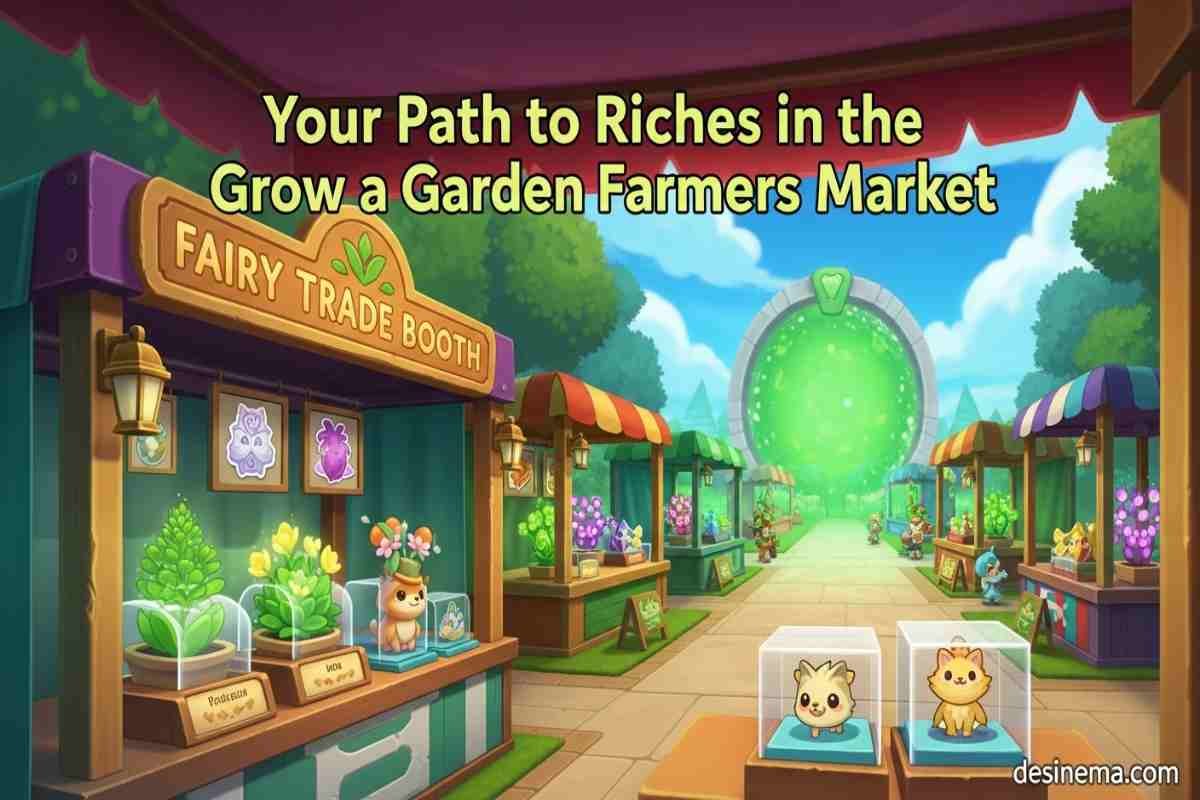
The Farmers Market in Grow a Garden has completely changed how players trade items and build wealth in the game. If you’ve been struggling to understand how to access this feature or make the most of your trading opportunities, you’re not alone. Many players find the marketplace confusing at first, but it’s actually a powerful tool for growing your in-game fortune. This comprehensive guide will walk you through everything from finding the portal to becoming a trading master in the Grow a Garden Farmers Market.
Key Takeaways
- The Farmers Market is accessed through the green portal in the game’s lobby center
- Trade Tokens are the special currency used for all marketplace transactions
- Setting up a booth allows you to sell items directly to other players
- Strategic pricing and item selection are key to marketplace success
- The Farmers Market offers both buying and selling opportunities for all players
- You can customize your booth with skins from Artisan and Elemental Containers
- Listing fees vary based on your item’s price (1 token for items under 100, 2 for under 200, etc.)
What is the Grow a Garden Farmers Market?
The Grow a Garden Farmers Market is a special trading zone where players can buy and sell items with each other. It replaced the old Smithing event hub and now features a giant green portal right in the center of the lobby. This marketplace has become the heart of the Grow a Garden virtual economy, allowing players to trade plants, pets, and various items using a special currency called Trade Tokens.
Unlike previous trading systems, the Farmers Market provides a safe and organized environment for player trading. You no longer need to worry about scams or unfair trades because everything happens through the official marketplace interface. The Farmers Market has dozens of booths where players can showcase their items, making it easy to browse what others are selling and find exactly what you’re looking for.
How to Access the Farmers Market in Grow a Garden?
Getting to the Farmers Market is simple once you know where to look. Follow these steps to access this trading hub:
- Go to the main lobby area of Grow a Garden
- Look for the giant green portal in the center of the lobby
- Walk up to the portal and press the ‘E’ key to interact with it
- You’ll be teleported to the Farmers Market area
When you first enter the marketplace, you’ll see a bustling area with player booths scattered throughout. The layout is designed to make it easy to navigate between different stalls and see what items are available for sale. Take some time to explore the area and get familiar with where everything is located before setting up your own booth.
How to Set Up Your Trading Booth in Grow a Garden?
Setting up your own trading booth is the first step to becoming an active participant in the Grow a Garden marketplace. Here’s how to get started:
- Look for empty booths in the Farmers Market area
- Walk up to an unclaimed booth and press ‘E’ to claim it
- Your booth is now ready for customization and listing items
Once you’ve claimed a booth, you can customize it using cosmetic items from the Artisan and Elemental Containers. These skins don’t provide any gameplay advantages, but they can make your booth stand out and attract more buyers. Popular booth skins include the Wooden Trade Booth (default), Green Trade Booth, Purple Trade Booth, and various themed options like the Cyber Trade Booth or Fairy Trade Booth.
A well-designed booth can make a big difference in attracting potential buyers. Consider choosing a skin that matches the types of items you plan to sell. For example, if you’re selling nature-themed items, the Nature Trade Booth might be a good choice.
How to Create Item Listings in the Farmers Market?
After setting up your booth, it’s time to list items for sale. The Grow a Garden marketplace makes this process straightforward:
- Stand near your booth and press ‘E’ to interact with it
- Click on the plus sign inside the green box that appears
- This will open your inventory, showing available plants, pets, and booth skins
- Select the item you want to sell
- Set your price in Trade Tokens using the interface in the bottom right
- Click the green sell button and confirm your listing
Remember that there are listing fees based on your item’s price:
- Items selling for under 100 Trade Tokens cost 1 token to list
- Items selling for under 200 Trade Tokens cost 2 tokens to list
- The fee increases as your price goes higher
When pricing your items, research the current market value to ensure you’re not pricing too high or too low. You can check the RAP (Recent Average Price) index by clicking the Index button at the top of your screen. This shows the current value of plants, pets, and booth skins in the Grow a Garden marketplace.
How to Get Trade Tokens in Grow a Garden?
Trade Tokens are the lifeblood of the Farmers Market economy. Without them, you can’t buy items or pay listing fees. Here are the main ways to get Trade Tokens:
Selling Items: The primary method is selling items in your booth. When other players buy your listings, you’ll receive Trade Tokens in return. This is the most sustainable way to build your token wealth.
Purchasing with Robux: You can buy Trade Tokens directly from the game shop using Robux. While this is the fastest way to get tokens, it requires spending real money and isn’t recommended for most players.
Free Methods: Some players have discovered ways to get free Trade Tokens through special events, promotions, or by completing certain in-game activities. Keep an eye out for these opportunities as they can help boost your token balance without spending real money.
When starting out, you might have zero tokens. The best strategy is to list some of your extra items at fair prices to begin building your token balance. As you make sales, reinvest your profits into more valuable items that can generate higher returns.
How to Buy Items from Other Players?
The Farmers Market isn’t just for selling – it’s also a great place to find items you need for your garden. Here’s how to buy from other players:
- Walk around the Farmers Market and explore different booths
- When you find a booth that interests you, press ‘E’ to interact with it
- Browse the items listed for sale and their prices
- If you find something you want to buy and have enough Trade Tokens, click to purchase
- Confirm your purchase and the item will be added to your inventory
Before making a purchase, it’s wise to check the RAP index to ensure you’re getting a fair price. Some players might overprice their items, while others offer great deals. Developing an eye for value will help you make smart purchasing decisions in the Grow a Garden marketplace.
You can also check other players’ inventories by clicking the Trade button on the left side of the screen. This feature allows you to see what items others have available, even if they’re not currently listed in their booth.
Advanced Trading Strategies for the Farmers Market?
Once you’ve mastered the basics of the Grow a Garden Farmers Market, you can start implementing more advanced strategies to maximize your profits:
Market Timing: Pay attention to when the marketplace is busiest. More players online means more potential buyers for your items. Try to list your most valuable items during peak hours.
Item Selection: Not all items sell equally well. Rare pets, special seeds, and limited-time items typically command higher prices. Focus on acquiring and trading these high-demand items.
Pricing Strategy: Instead of always aiming for the highest possible price, consider pricing your items slightly below market value to sell them quickly. Sometimes making multiple fast sales at lower margins is more profitable than waiting for one big sale.
Reputation Building: Be a reliable trader by pricing fairly and delivering what you promise. As other players recognize you as trustworthy, they’ll be more likely to buy from you and recommend your booth to others.
Diversification: Don’t put all your tokens into one type of item. Diversify your inventory across different categories (plants, pets, cosmetics) to reduce risk and appeal to more buyers.
Frequently Asked Questions
How do I find the Farmers Market portal in Grow a Garden?
The Farmers Market portal is located in the center of the main lobby area in Grow a Garden. Look for a large, glowing green portal that’s hard to miss. If you’re having trouble finding it, ask other players in the chat or look for the crowd of players usually gathered around it. The portal replaced the old Smithing event hub, so if you knew where that was, the portal is in the same spot.
What items sell best in the Grow a Garden Farmers Market?
Rare pets and limited-time items typically sell best in the Farmers Market. Special seeds that are hard to obtain, exclusive pets from events, and cosmetic items that are no longer available in regular shops command high prices. Seasonal items also tend to sell well when they’re not currently available in the game. Check the RAP index regularly to stay updated on which items are most valuable at any given time.
Can I get scammed in the Farmers Market?
The Farmers Market in Grow a Garden is designed to be a safe trading environment, so scams are much less common than in direct player-to-player trades. All transactions happen through the official interface, which ensures both parties get what they agreed upon. However, you should still be cautious about deals that seem too good to be true and always double-check prices before making purchases.
How many Trade Tokens do I start with?
When you first join the game after the Farmers Market update, you typically start with zero Trade Tokens. This means you’ll need to either sell some of your items to earn tokens or purchase them with Robux. New players should focus on listing their extra items at reasonable prices to start building their token balance. Remember, everyone starts with zero tokens, so don’t get discouraged if it takes a little time to get your trading business off the ground.
Why are my items not selling in the Farmers Market?
If your items aren’t selling, there could be several reasons. Your prices might be too high compared to what others are charging for similar items. You might be selling items that aren’t in high demand. Or you might be listing during times when fewer players are active. Try adjusting your prices, focusing on more popular items, or listing during peak hours. Also, make sure your booth is easily visible and consider using an attractive skin to draw more attention.
Can I trade directly with other players outside the Farmers Market?
The Farmers Market is currently the official trading system in Grow a Garden, and direct player-to-player trading outside of this system is not supported. While you might see players trying to arrange trades in chat, these transactions carry more risk and aren’t protected by the game’s trading interface. It’s always safer to use the official Farmers Market for all your trading needs.
How do I check the value of items before trading?
The best way to check item values is by using the RAP (Recent Average Price) index in the game. You can access this by clicking the Index button at the top of your screen while in the Farmers Market. This shows the current market value of plants, pets, and booth skins based on recent sales. Additionally, you can browse other players’ booths to see what similar items are selling for, which will give you a good idea of the current market rates.
Conclusion
The Grow a Garden Farmers Market offers endless opportunities for players to trade, build wealth, and acquire rare items. Whether you’re looking to sell your extra inventory or find that perfect pet you’ve been searching for, the marketplace has something for everyone. Start small, learn the ropes, and soon you’ll be trading like a pro. For more Grow a Garden guides and tips, be sure to check out our other articles on seed crafting, pet recipes, and gear crafting right here on desinema.com!
