


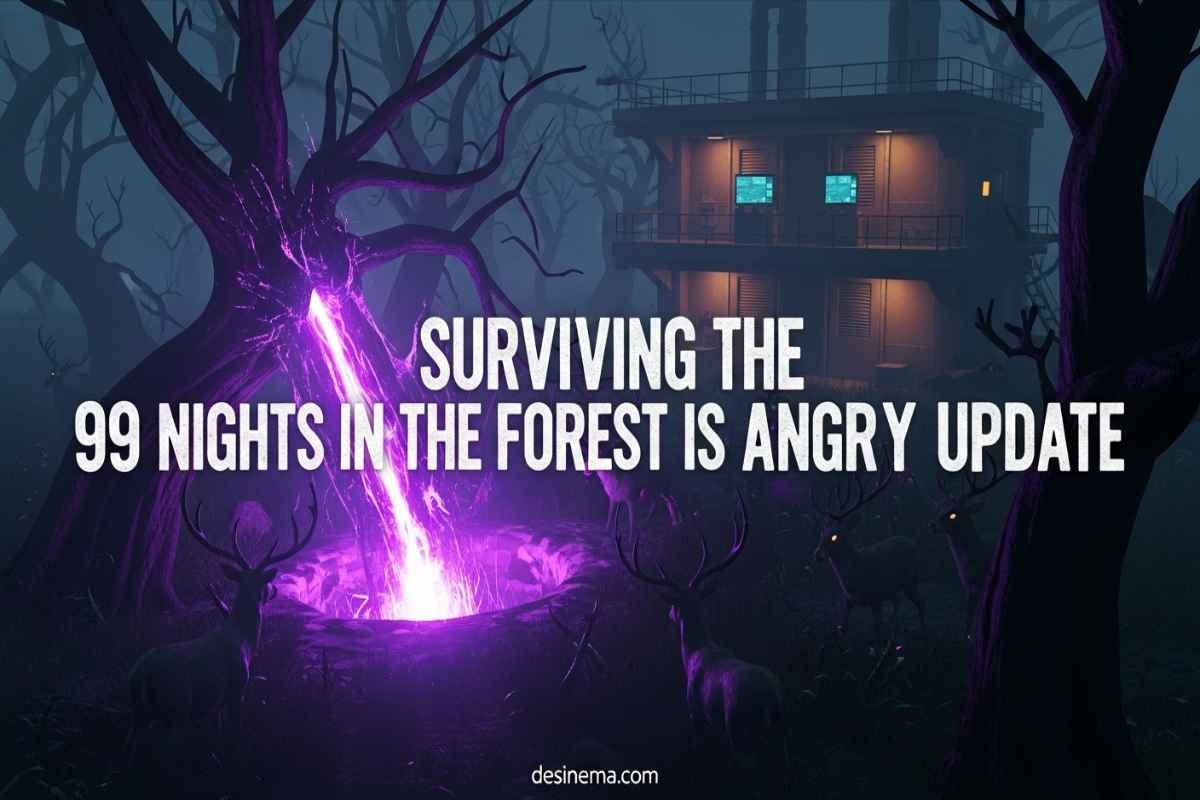
Are you ready to dive into the biggest update that 99 Nights in the Forest has ever seen? The Forest is Angry update, released by Roblox Corporation on January 24, 2026, completely transforms how you play this survival horror game. This massive game update introduces groundbreaking gameplay mechanics that will challenge even the most experienced players. Whether you’re a veteran survivor or new to the forest, this comprehensive guide will walk you through every new feature, from the intense Hard Mode to the strategic Corruption System.
Key Takeaways: Quick Overview
| Feature | What It Does | Why It Matters |
| Hard Mode | Optional difficulty with corruption mechanics | Offers double diamonds and special badge rewards |
| Research Outpost | New location for activating Hard Mode | Essential hub for monitoring corruption and getting supplies |
| Corruption System | Spreading danger that affects the entire map | Creates time pressure and strategic gameplay |
| Ping System | Communication tool for team coordination | Helps players work together without voice chat |
| New Rewards | Double diamonds at day 50 and 99 | Gives incentive to tackle the harder difficulty |
What Is The Forest is Angry Update?
The Forest is Angry update represents the most significant change to 99 Nights in the Forest since its launch. This Roblox game update introduces a completely new way to play, moving beyond simple survival into a more complex strategic experience. The update adds four major new features that work together to create a fresh challenge: Hard Mode, the Research Outpost location, the Corruption System mechanic, and a Ping System for better team communication.
What makes this update special is how it changes the game’s core loop. Instead of just defending your camp from the mysterious Deer creature, you now have to actively fight back against a spreading corruption that threatens to consume the entire forest. This creates a race against time where every decision matters more than ever before.
How to Access the Research Outpost?
The Research Outpost is your gateway to experiencing all the new features in The Forest is Angry update. This two-story industrial bunker appears on your map after you upgrade your campsite to level 2 or higher. You’ll need to expand your map area by collecting resources and building up your base before the outpost becomes visible.
Once you find the Research Outpost, you’ll discover it’s packed with valuable features. The building has multiple floors, each serving different purposes. The basement houses the voting levers for activating Hard Mode, while the main floor contains research monitors that track corruption levels. Upstairs, you’ll find supply chests with essential items like Medkits, MRE kits, and the valuable Research Monitor Blueprint.
The Research Outpost isn’t just a location—it’s your command center for surviving Hard Mode. Here you can track the corruption spreading across the map, check what debuffs are active, and plan your strategy for keeping the forest safe.
Understanding Hard Mode?
Hard Mode is the centerpiece of The Forest is Angry update, offering a completely new way to experience 99 Nights in the Forest. This optional difficulty setting activates on Day 3 and introduces the Corruption System that gradually makes the game more challenging. But the increased difficulty comes with better rewards, including double diamonds at day 50 and day 99, plus a special badge for surviving all 99 nights.
To activate Hard Mode, you need to visit the Research Outpost before Day 3 begins. In the basement, you’ll find levers—each player in the server needs to pull their own lever to vote for Hard Mode. This makes it a team decision, so you’ll want to discuss it with other players before committing. Once everyone votes yes and Day 3 arrives, you’ll see a dramatic cutscene showing the corruption containment failing, and the real challenge begins.
Hard Mode isn’t just about stronger enemies—it’s about managing an entire ecosystem of threats. The Corruption System creates purple rifts across the map that infect trees and animals, turning them into dangerous obstacles. You’ll need to balance defending your base with actively fighting back the corruption to survive.
How Does the Corruption System Work?
The Corruption System is the brilliant mechanic that makes Hard Mode so unique and challenging. When Hard Mode activates, purple rifts begin appearing randomly across the map. These rifts spread corruption like a disease, infecting nearby trees and animals. You’ll spot corrupted trees by their purple roots and glowing appearance, while infected animals have purple eyes and more aggressive behavior.
Your corruption level displays as a percentage on the research monitors at the outpost or on your own crafted monitor. As this percentage increases, you’ll face dangerous debuffs that make survival harder. At 50% corruption, you’ll experience Food Rot Spores that ruin all your food after 90 seconds. At 75%, passive healing gets disabled, forcing you to rely on bandages and medical supplies.
The key to managing corruption is being proactive. You need to regularly patrol the map, find corrupted trees and animals, and eliminate them before the corruption spreads too far. Chopping down corrupted trees gives you wood while reducing corruption, and defeating infected animals stops them from spreading the danger further. It’s a constant balancing act between upgrading your base and healing the forest.
Using the Ping System Effectively?
The Ping System is a small but crucial addition that helps teams coordinate better in Hard Mode. Currently in beta phase, this feature lets you communicate with teammates without using voice chat or typing messages. On PC, simply press the Q key and click anywhere on your screen to create a ping marker that other players can see.
This might seem simple, but it’s incredibly valuable when you’re dealing with multiple corruption rifts at once. You can ping dangerous enemies, mark resources you need, highlight areas that need cleaning, or point out where teammates should focus their efforts. The ping system creates a little bell icon at the location you mark, making it easy for everyone to understand what needs attention.
For mobile players, there’s a dedicated ping button on the interface that works the same way. While the system is still being refined and might have some bugs, it’s already become an essential tool for successful Hard Mode runs. Good communication is the difference between surviving and failing, and the ping system makes that possible even without microphones.
Essential Tips for The Forest is Angry Update?
Surviving The Forest is Angry update requires new strategies beyond what worked in normal mode. Here are proven tips from experienced players who have mastered the update:
Team coordination is crucial – Hard Mode is much easier with a coordinated team. Use the ping system to divide responsibilities, with some players focusing on base defense while others patrol for corruption. A well-organized team can handle multiple rifts simultaneously without getting overwhelmed.
Prioritize the Research Monitor Blueprint – The first chest you open in the Research Outpost contains the blueprint for building your own Research Monitor. Craft this immediately and place it at your base. Having a corruption tracker at home base saves you constant trips back to the outpost.
Balance offense and defense – Don’t focus only on your base or only on corruption clearing. You need to upgrade your crafting bench to get better weapons and tools, but you also need to keep corruption levels manageable. The best players spend their time efficiently between both priorities.
Save resources for critical moments – Hard Mode will test your resource management. Don’t waste medical supplies or ammunition on minor threats. Save your best items for when corruption levels are high and dangerous debuffs are active.
Learn corruption patterns – Rifts tend to spawn in predictable areas and follow similar spreading patterns. Experienced players learn these patterns and can anticipate where to focus their efforts each night.
Common Mistakes to Avoid?
Many players struggle with The Forest is Angry update because they make avoidable mistakes. Here are the most common errors and how to prevent them:
Waiting too long to address corruption – New players often focus too much on base building and let corruption get out of control. Once corruption passes 50%, the Food Rot Spores debuff can cripple your food supply. Start clearing corruption immediately when Hard Mode begins.
Playing solo when possible – While Hard Mode can be completed solo, it’s significantly harder. If you have the option to team up with other players, take it. The corruption spreads too quickly for one person to handle effectively in most cases.
Ignoring the Research Outpost after activation – Some players activate Hard Mode and never return to the outpost. This is a mistake because the research monitors there provide crucial information about corruption levels and active debuffs that help you plan your strategy.
Wasting time on low-priority targets – Not all corruption is equally dangerous. Focus on rifts that are spreading quickly or threatening important areas. Sometimes it’s better to let a small, isolated corruption patch exist while you handle bigger threats.
Not preparing for debuffs – Each corruption threshold brings specific debuffs. Prepare for these in advance by stockpiling the right supplies. For Food Rot Spores, have quick-cooking food ready. For disabled passive healing, keep extra bandages on hand.
Frequently Asked Questions
When Did The Forest is Angry Update Release?
The Forest is Angry update launched on January 24, 2026, as a major content update for 99 Nights in the Forest. This Roblox Corporation update introduced Hard Mode, the Research Outpost, Corruption System, and Ping System all at once, completely changing how players experience the game. The update was well-received by the community for adding depth and replayability to the survival horror experience.
Can You Activate Hard Mode After Day 3?
No, you cannot activate Hard Mode after Day 3 begins. The voting process at the Research Outpost must be completed before the start of Day 3. Each player needs to pull their lever in the basement to vote for Hard Mode activation. Once Day 3 arrives, the opportunity to activate Hard Mode ends for that server. This makes timing crucial—you need to find the Research Outpost and organize your team quickly.
What Happens If Corruption Reaches 100%?
When corruption reaches 100%, you’ll experience the most severe debuffs that can make survival nearly impossible. At this level, all previous debuffs are active simultaneously, including Food Rot Spores, disabled passive healing, Hungry Deer (increased enemy aggression), and Cultist Waves (more frequent enemy attacks). While the game doesn’t technically end at 100% corruption, surviving becomes extremely challenging without excellent preparation and teamwork.
Is The Forest is Angry Update Worth Playing?
Absolutely! The Forest is Angry update offers significant value for both new and experienced players. The new Hard Mode provides better rewards, including double diamonds at milestones and a special badge for completing all 99 nights. The update also adds strategic depth that makes the game more engaging long-term. Even if you prefer normal mode, the new Ping System improves team coordination for everyone.
Do You Need to Play Hard Mode to Enjoy the Update?
No, you don’t need to play Hard Mode to enjoy The Forest is Angry update. The update improves the base game with the Ping System for better communication and adds the Research Outpost as an interesting location to explore. However, Hard Mode is where you’ll find the most significant changes and best rewards. Many players enjoy having both options—normal mode for casual play and Hard Mode for serious challenges.
Can You Turn Off Hard Mode Once Activated?
No, once Hard Mode is activated on Day 3, it cannot be turned off for the remainder of that server session. The corruption system will continue spreading throughout your game. This is why the voting process before Day 3 is so important—make sure everyone in your server is ready for the commitment before activating Hard Mode. The only way to return to normal mode is to start a new server.
What Rewards Do You Get for Completing Hard Mode?
Hard Mode offers significantly better rewards than normal mode. Players receive double diamonds at day 50 and day 99 milestones, making it much easier to purchase premium items and upgrades. Additionally, surviving all 99 nights in Hard Mode awards the special “☣†Ψ§∞☠‡Ω@” badge, which displays on your Roblox profile as proof of your skill. These rewards make the increased difficulty worthwhile for dedicated players.
